



I wanted to review Apollo because it’s one of the first tools many small B2B teams consider when they want to start outbound. It’s not just an email finder. Apollo combines a large contact database, company search, enrichment, sequencing, calling, workflows and CRM handoff.
That makes it powerful, but also slightly dangerous if you treat it as a magic lead machine. A good Apollo setup still needs a clear target customer, careful filtering, verified samples, sensible credit planning and safe email sending.
Apollo Review Summary
Here is the short version: Apollo is one of the strongest first tools to test if you want lead search, enrichment and starter outreach in one place. It’s especially useful when your team knows exactly who it wants to reach and wants to avoid stitching together a database, enrichment tool and sequencer.
- Best for: B2B teams that want prospecting, enrichment and outreach together.
- Not ideal for: teams that only need occasional email lookup.
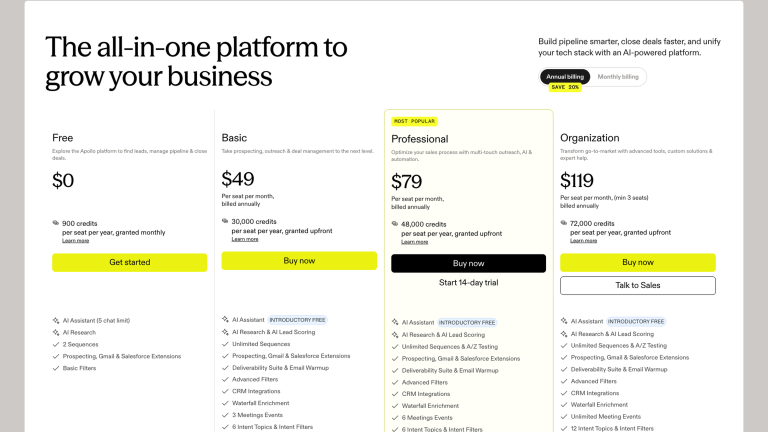
- Pricing: free plan available; paid plans start at $49/seat/month on annual billing.
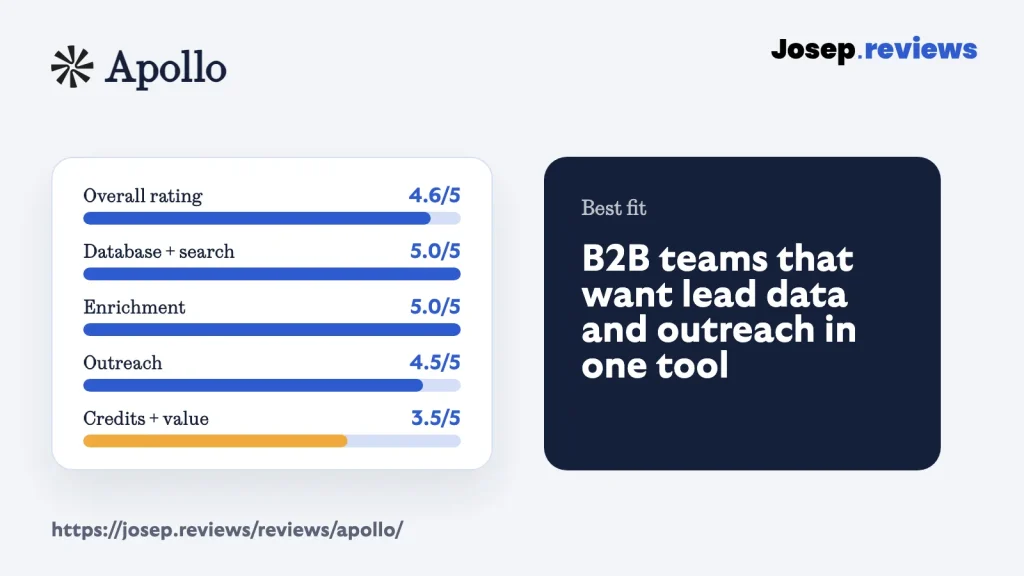
- My rating: 4.6 out of 5.
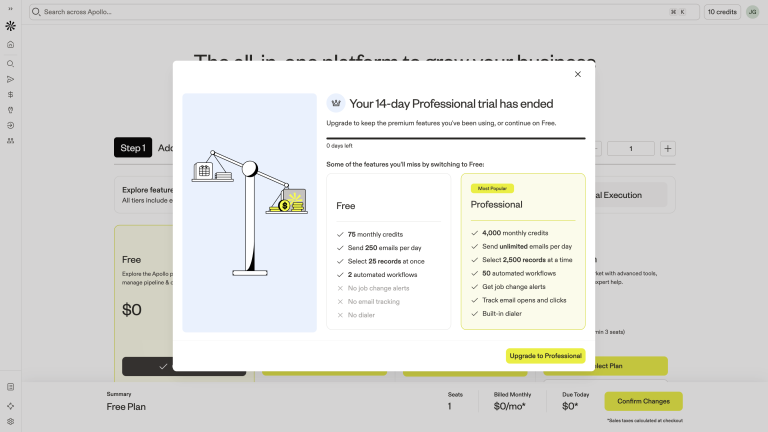
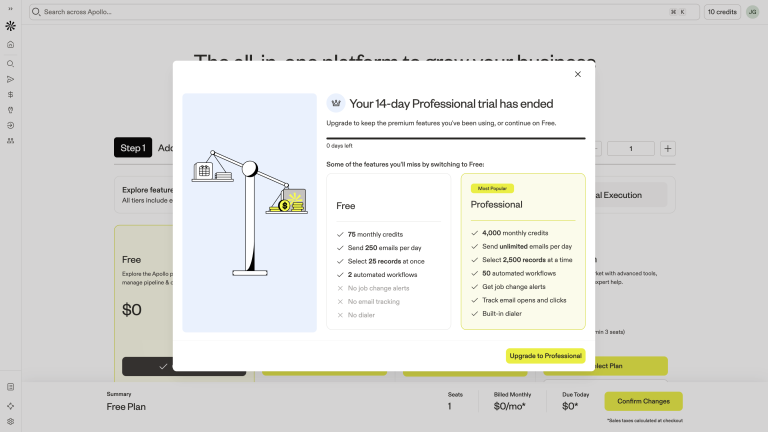
My main caution is credits. Apollo can look affordable from the pricing page, but the real value depends on how many contacts you reveal, enrich, export, call or sync into another system. I’d model a normal month before paying.
I also wouldn’t assume Apollo’s big database automatically means your niche is covered. Test your actual market before building a campaign around it.
Visit ApolloWhat is Apollo?
Apollo is a sales intelligence and engagement platform. In practical terms, that means you can search for companies and people, reveal contact data, enrich missing fields, save lists, run sequences and send useful records into your CRM. For example, you could find marketing directors at software companies, add them to a short email follow-up campaign, and send the best replies into HubSpot or Salesforce so your team can continue the conversation.
The reason Apollo is interesting for small teams is that it reduces tool switching. You don’t have to start in one database, export to a spreadsheet, clean records somewhere else and then upload everything into another outreach tool. For a small sales team, that can mean going from “we need a list of good-fit prospects” to “we’ve a campaign ready to send” in the same afternoon.
The tradeoff is that Apollo is broad. You aren’t learning one simple email-finder screen. You are also dealing with filters, data confidence, credits, sequences (automated follow-up emails), deliverability, CRM syncing, permission controls and support.
See Apollo in action
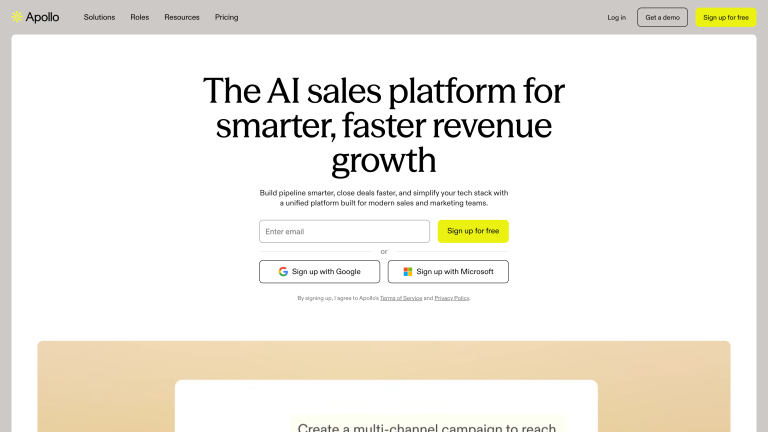
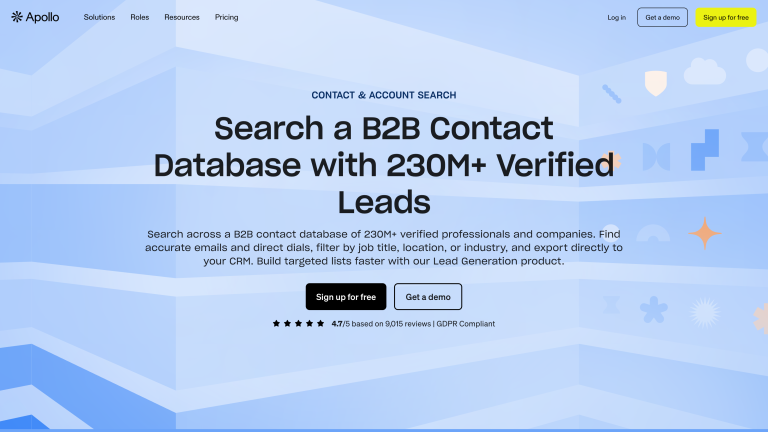
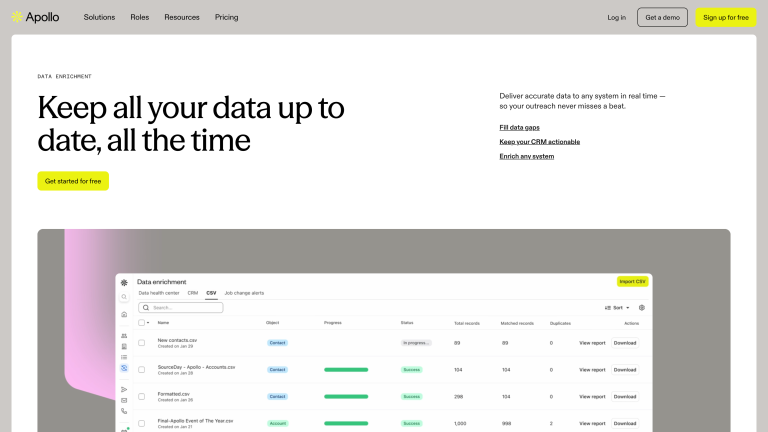
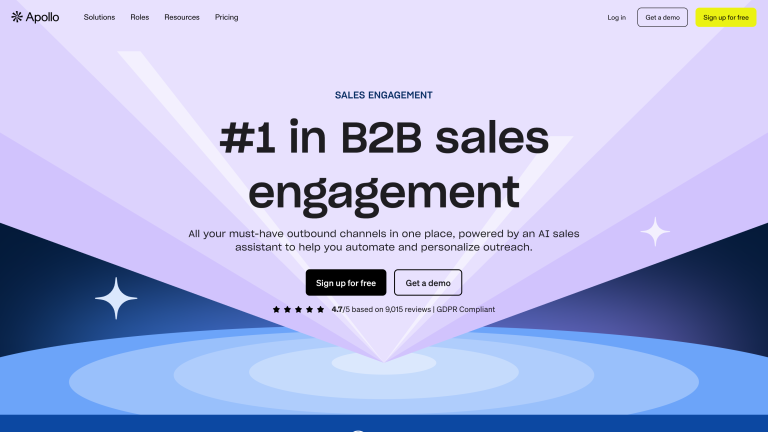
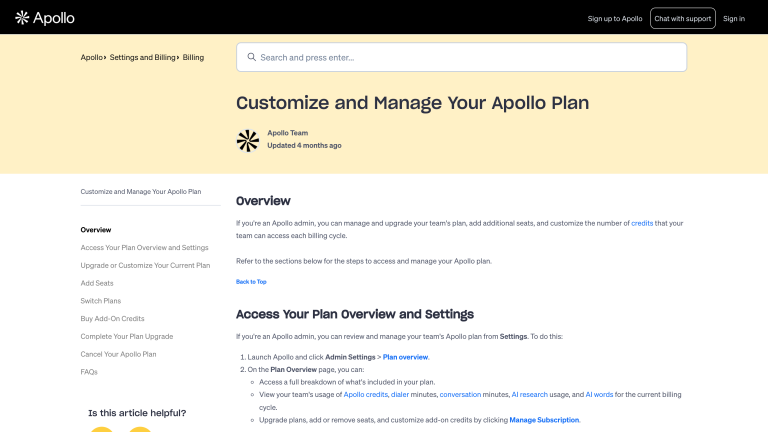
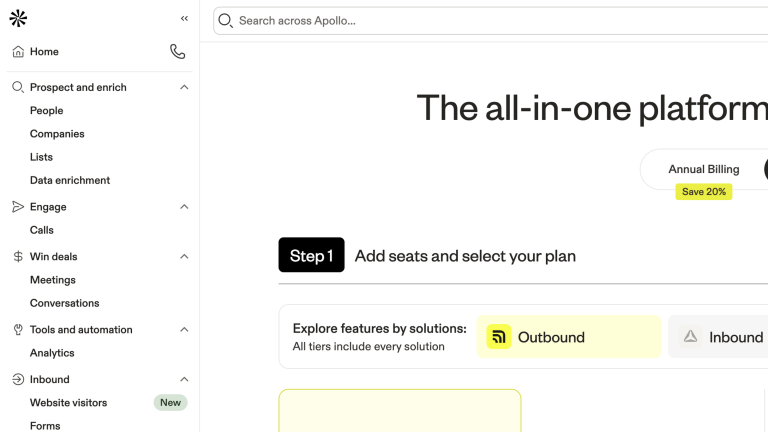
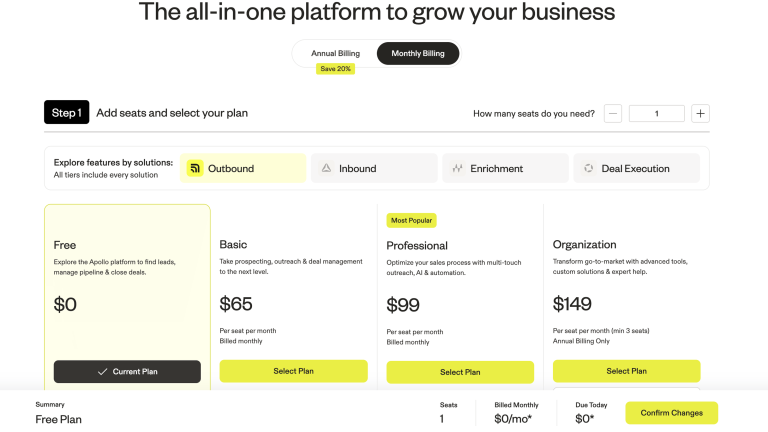
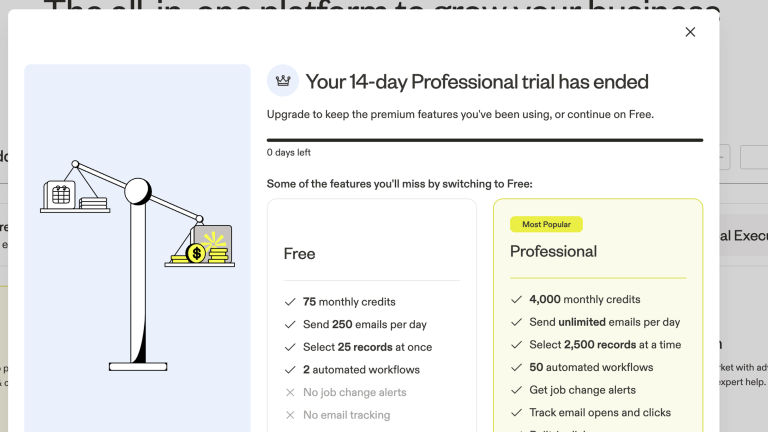
For the practical walkthrough, I focused on the Apollo areas a small B2B team should check before paying: homepage positioning, pricing, database search, enrichment, sales engagement, credits and the logged-in workspace. The useful questions are simple: who can I find, how much will it cost, can I enrich the data, can I turn the list into outreach, and how organized does the workspace feel once I’m inside the product?
Apollo pricing
Apollo has a free plan, which makes it much easier to test than enterprise sales intelligence tools that hide behind demo calls.
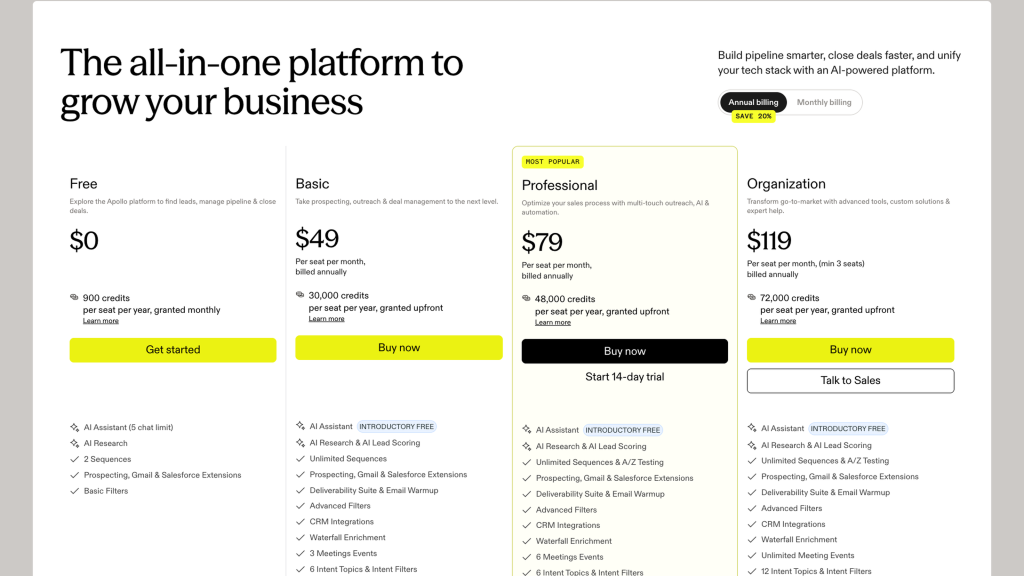
- Free: $0, enough to test search, contact access and basic outreach.
- Basic: $49/seat/month annually, with more credits for prospecting and CRM handoff.
- Professional: $79/seat/month annually, better for teams running Apollo sequences.
- Organization: $119/seat/month annually, 3-seat minimum with team controls and reporting.
I’d use the free plan to test the interface and sample data quality, not as a full outbound operating plan. For serious use, Basic is the more realistic starting point, while Professional becomes more interesting if sequences and automation matter, for example if you want to run outreach from Apollo itself instead of only exporting lead lists.
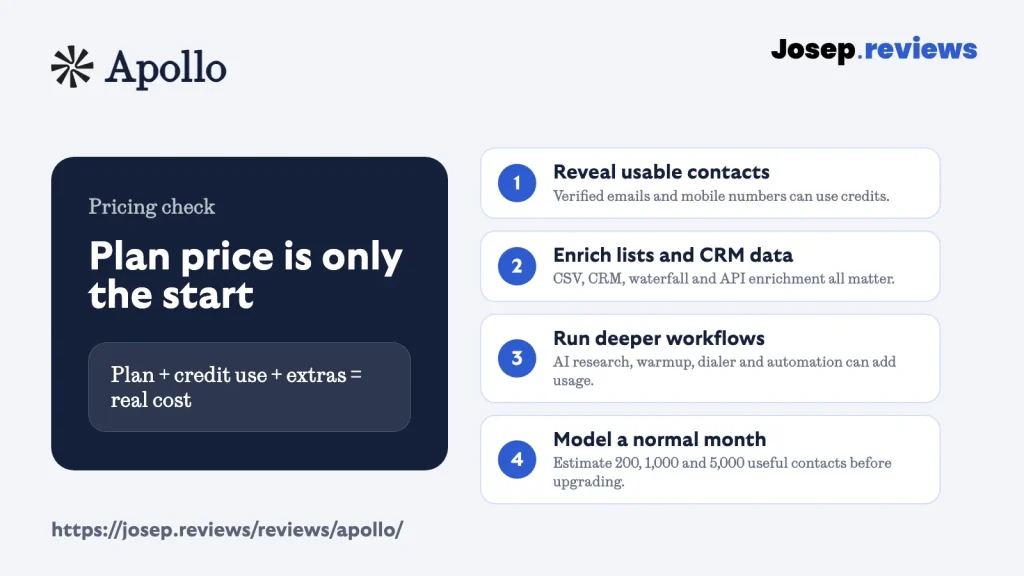
The most important pricing detail is the credit model. Apollo isn’t only charging you for seats; the real value depends on how many usable contacts you can actually find, enrich, use in outreach and move into the rest of your sales stack.
This matters because credits can be used in different places: accessing new verified emails, revealing mobile numbers, enriching CSV or CRM records, using waterfall enrichment, running AI research, calling from the dialer, using extra warmup mailboxes or pulling data through the API. So two teams on the same plan can get very different mileage.
For example, a founder who only needs a few hundred verified business emails each month may be fine starting on Basic. A team that wants mobile numbers, CRM cleanup, automated enrichment and outreach from Apollo itself could use credits much faster, even if the monthly seat price looks reasonable.
Before paying, I’d model a normal month: how many new contacts you want, whether you need emails only or phones too, how many old records you plan to enrich, and whether Apollo will be your outreach tool or just your database. My takeaway is simple: Apollo can still be good value, but choose the plan based on the workflow you will actually run, not only the lowest advertised price.
Apollo pros and cons
Pros
Strong all-in-one outbound workflow
It combines lead search, data enrichment, sequencing, calling, workflows and CRM handoff. That’s useful for small B2B teams that don’t want to build a messy stack from several tools.
Excellent search filters
If you know your target customer, Apollo gives you enough filters to build much more focused lists than a simple keyword database.
Large B2B database
Coverage is broad across contacts and companies. I’d still test your niche, but for general B2B outbound it gives you a lot to work with.
Good enrichment and CRM handoff
Missing fields, CSVs, CRM connections and handoff are all covered, so useful records can move into the tools your team already uses.
Free plan in a demo-heavy category
The free plan is useful before speaking to sales, which isn’t especially common in sales intelligence. Many similar tools hide pricing, push demo calls or make you commit before you can properly test the data. Here, you can at least check the interface, filters and sample coverage first.
Cons
Credit usage and expiry need planning
The credit system takes planning because credits are used for more than just finding leads, including phone reveals, enrichment, API use, AI research, dialer activity, extra mailbox warm-up and some exports. Unused credits also expire instead of rolling over, so teams can overpay one month and still run short the next.
Non-US data needs testing
Coverage is strongest for North American outbound, but non-US data and mobile accuracy are more uneven in some regions and niches. That means you should test your real target markets instead of trusting the headline database size.
Easy to start, but busy at first
The product is easy to start using, but the first hour can still feel crowded because search, enrichment, sequences, calls, workflows and analytics all sit in the same product. New users can get moving quickly, but may still need time to understand where everything lives.
Some features are on pricier plans
Lower tiers still give you a lot, but some of the stronger admin controls and advanced features sit on higher plans. That means the version many small teams can afford is powerful, but not always the full experience.
My take on Apollo
After researching Apollo, my take is that it's one of the safest first tools to test for B2B outbound. It gives small teams a practical way to find companies, filter contacts, enrich data, start outreach and move records into a CRM.
I'd recommend Apollo if you want a connected outbound workspace and you're willing to test the type of customers you want to reach before scaling. I'd be more cautious if you only need occasional email lookup, or if your market is very niche or heavily dependent on direct mobile numbers.
The main thing to watch isn't whether Apollo has enough features. It has plenty. The question is whether your team will use those features carefully enough to avoid wasted credits, poor targeting and deliverability issues.
Apollo ratings
How I reviewed Apollo
For this Apollo review, I looked at it as a small B2B team would: can I find the right companies and people, get enough accurate contact data, enrich missing fields, organize leads, start outreach safely and move records into a CRM without wasting credits?
I checked Apollo’s current pricing page, credit documentation, help center, product pages, data enrichment materials, search filter documentation, sequence documentation, deliverability guidance, privacy and compliance pages, API information and independent reviews.
I also compared Apollo against the research spreadsheet used for this lead-generation pillar, so the rating table, pros and cons are based on the same criteria as the other tools in this group.
I paid extra attention to the areas that usually decide whether Apollo is actually worth it: search quality, contact accuracy, credit usage, enrichment, outreach workflow and CRM handoff.
My scoring is deliberately practical. A big database is useful, but it’s not enough on its own. I weighted Apollo higher where it helps a small team move from research to outreach, and lower where the buyer still needs to test carefully, especially credits, non-US data quality, phone coverage, deliverability setup and whether the right plan unlocks the workflow they expect.
Key Apollo features
Lead search and contact database
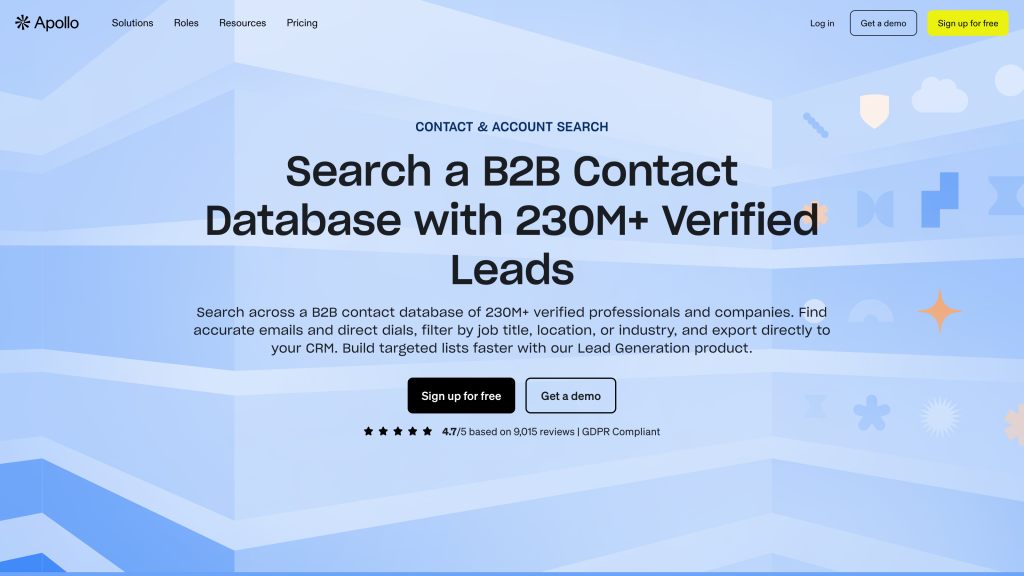
Apollo’s core feature is the database. The useful part isn’t just the headline contact count, but the ability to combine people filters, company filters and buying-context signals into a focused list of the right customers.
For example, you can start with companies that match your market, then narrow the people search by title, seniority, department, location, company size, industry and other attributes. That matters because a lead database is only useful if it helps you avoid broad, lazy lists.
This is where Apollo feels stronger than simpler email finders. It’s not just “find me an email for this person”. It’s closer to “help me define a market, find the right accounts, identify likely buyers and save that segment for follow-up”.
The caveat is that search quality still depends on how clearly you define your target customer. If your targeting is vague, Apollo can make it very easy to build a large but poor-quality list. I’d always test a small segment first and manually inspect the companies and job titles before pushing contacts into outreach.
Enrichment and list workflows
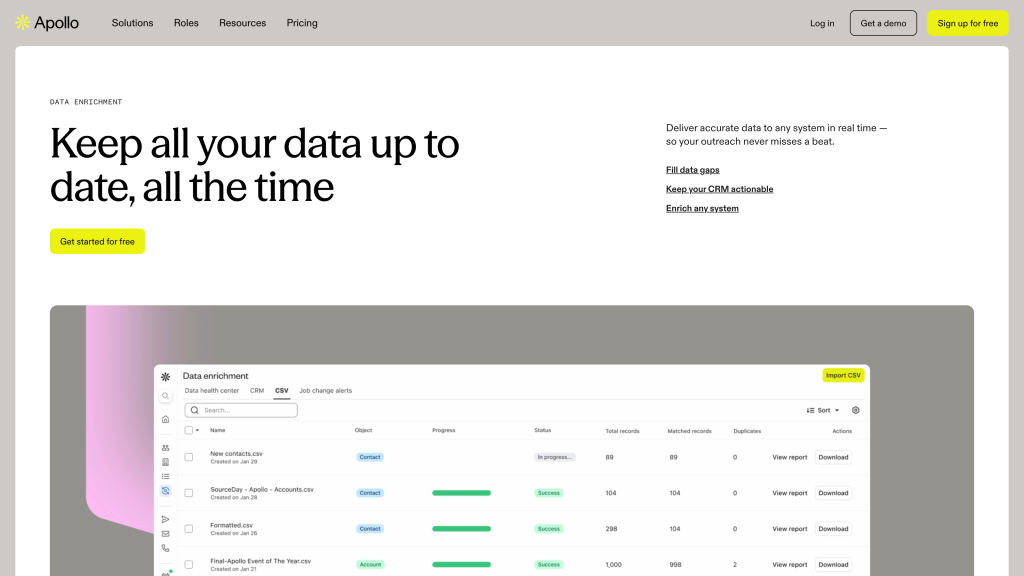
Apollo can enrich missing contact and company data, work from CSVs and keep records organized inside people and company lists. This reduces the export-clean-upload cycle that often happens with cheaper tools.
In practice, this means you can bring in a list with partial information, fill missing emails or company fields, segment the records, and then decide whether they should go to a sequence, a CRM, or a saved list for later. That’s much smoother than using one tool for lookup, another for cleaning, and another for outreach.
I also like that enrichment is useful beyond new prospecting. If your CRM has old contacts, missing roles, stale companies or blank fields, Apollo can be used as a cleanup layer. That makes it more valuable than a tool you only open when you need a fresh list.
The part to watch is credit usage. Enrichment, exports, phone reveals and other data actions can all affect the real cost. I wouldn’t enrich everything by default; I’d enrich the fields you actually need for targeting, personalization or CRM hygiene.
Sequences and sales engagement
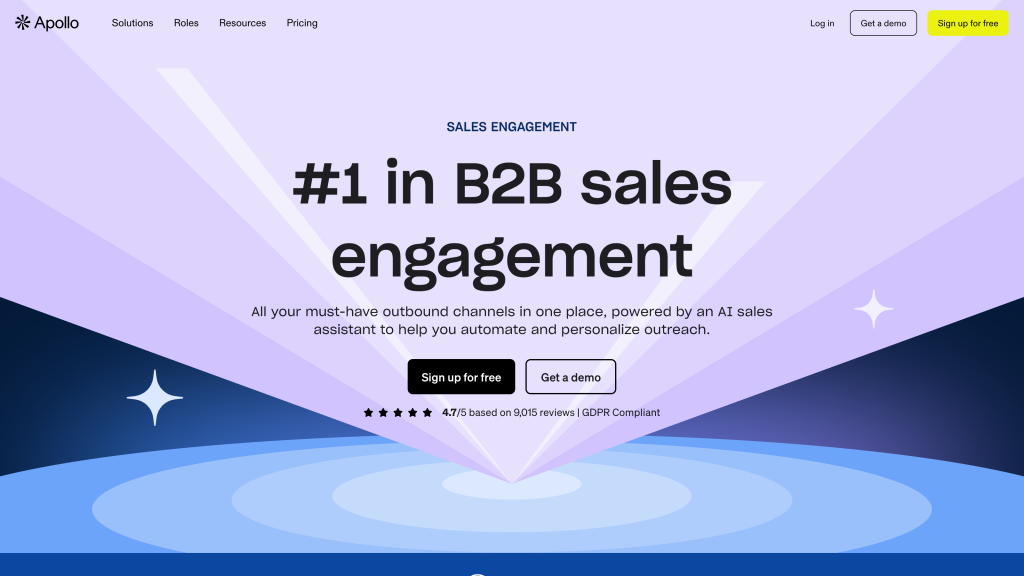
Apollo isn’t only a place to find leads. You can also build sequences, add email steps, create call tasks, add LinkedIn touches and track how outreach performs. That makes it more useful than a pure contact database if your team wants to go from search to campaign without exporting every list into another tool.
The benefit’s speed and context. A rep can find a relevant account, save the right contacts, enrich missing data and place those people into an outbound workflow from the same system. For small teams, that can remove a lot of manual handoff between a database, spreadsheet, CRM and email sequencer.
I’d still be careful with this part of Apollo. Cold email performance depends on your domain setup, sending volume, list quality, unsubscribe handling and how personalized the messaging is. Apollo gives you the workflow, but it doesn’t magically make a cold campaign safe or effective.
My practical advice would be to start with a small sequence, use verified contacts only, keep daily volume conservative, and check bounce and reply quality before adding more mailboxes or bigger lists. Apollo makes outbound easier to launch; you still need to run it like a real deliverability-sensitive process.
Privacy and compliance
Apollo has a visible privacy center, opt-out flow and compliance material, which is reassuring compared with tools that hide this information. For a lead database, that matters because you’re not only buying software. You are buying access to personal business contact data.
That said, I wouldn’t treat Apollo as a compliance shield. You still need to decide who you contact, why you’ve a legitimate reason to contact them, how you handle unsubscribes, and how exported data is removed from your CRM or email tool if someone opts out.
Before using Apollo at scale, I’d check three things: whether your target countries allow the type of outreach you plan to send, whether suppression and unsubscribe rules carry through your whole stack, and whether your team has clear rules for exports, enrichment and old lists. Apollo gives you useful controls, but the safe setup is still your responsibility.
Final verdict
My final verdict is that Apollo is one of the strongest first tools to test for B2B lead generation. It’s most compelling when you use it as a connected outbound workspace: search the database, narrow your target customer, reveal and enrich data, save lists, run sequences and sync useful prospects into your CRM.
I’d recommend Apollo to founders, small sales teams, agencies and SDR teams that want a practical platform for prospecting and starter outreach.
I’d be more cautious if you only need cheap email lookup, if your target market is very niche, or if your team isn’t ready to manage deliverability properly. Apollo gives you a lot of power, but you still need good targeting, clean sending setup and a realistic credit plan.
Overall, Apollo earns a 4.6 out of 5. It’s my strongest first pick in this group if you want one practical place for lead search, enrichment, outreach and CRM handoff. The reason it doesn’t score even higher is that credit complexity, uneven data quality in some segments and deliverability setup all need careful testing before scaling.
Apollo alternatives



Clay is the better alternative if your team wants to build more custom lead workflows: multiple enrichment sources, AI research, conditional logic and spreadsheet-style control. It’s stronger for complex prospecting, but less straightforward than Apollo.
Lusha makes more sense if you mainly want a simple contact database for emails and phone numbers, without Apollo’s broader outreach workspace. It’s easier to understand, but you give up Apollo’s deeper sequencing and workflow tools.
UpLead is the alternative I’d check if verified email quality, list cleaning and CRM export matter more than running outreach inside the same platform. It feels more focused, but it won’t replace Apollo’s sales engagement features.
Frequently asked questions
Yes, Apollo can be good for small B2B businesses, especially if they need prospecting, enrichment and basic outreach in one place. Serious use usually needs a paid plan and some credit planning.
No. Apollo includes email finding, but it’s broader than that. It combines a B2B database, company search, enrichment, sequences, calls, workflows, CRM integrations and reporting.
Apollo is generally strong for broad B2B data, but accuracy varies by market, seniority, geography and contact type. I’d test a real sample before trusting it at scale.
Yes. Apollo includes sequences for multi-step outreach, including email, calls, LinkedIn tasks and reporting. Deliverability still depends on your domain setup, targeting and sending habits.
Apollo has a free plan and paid plans. The important detail is credits, because contact reveals, enrichment, exports and other workflows can consume credits.
Apollo is worth it if you want one platform for B2B prospecting, enrichment, outreach and CRM handoff. It’s less compelling if you only need a simple email finder.
Comment