

Best Proposal Software 2026
Five tested tools, plus two extra shortlist options.
I tested the proposal workflow behind each tool here: how fast you can create a proposal, how it looks to the client, whether signing and payment are built in, how useful the follow-up tracking is, and where each plan starts to feel limited.

I am Josep Garcia; I have spent over 100 hours testing proposal tools for this review, checking editors, templates, signatures, payments, tracking and pricing limits as a small business would use them.
The short answer: PandaDoc is the best overall proposal software in this group if you want a deep proposal, quote and document workflow. HoneyBook is the better fit if proposals are only one part of your client process. Dubsado is strongest for workflow-heavy service businesses, Proposify is the most focused sales proposal tool, and Better Proposals is the simplest low-cost option for polished online proposals. I also added Qwilr and GetAccept as extra shortlist options, although I would still start with the first five tools above them.
Best proposal software: quick ranking
| Tool | Best for | Starting from |
|---|---|---|
 PandaDoc PandaDoc |
Teams that need proposals, quotes, contracts, approvals and e-signatures in one wider document platform. | $19/moVisit PandaDocRead PandaDoc review |
 HoneyBook HoneyBook |
Freelancers and small service businesses that want proposals, invoices, payments, scheduling and client communication together. | $29/moVisit HoneyBookRead HoneyBook review |
 Dubsado Dubsado |
Workflow-heavy consultants, creatives and agencies that want a configurable client portal and automation system. | $27.92/moVisit DubsadoRead Dubsado review |
 Proposify Proposify |
Sales teams and agencies that send proposals regularly and care about reusable content, approvals and proposal analytics. | $19/moVisit ProposifyRead Proposify review |
 Better Proposals Better Proposals |
Freelancers and small agencies that want attractive online proposals without a heavy setup or a full client management system. | $13/moVisit Better ProposalsRead Better Proposals review |
 Qwilr Qwilr |
Sales teams and agencies that want polished interactive proposals, quotes, e-signatures, payments and tracking. | $35/user/moVisit Qwilr |
 GetAccept GetAccept |
Sales teams that want proposals, e-signatures, digital sales rooms, buyer tracking and CRM-connected follow-up. | $49/user/moVisit GetAccept |
What I compared
I did not rank these tools only by how good the proposal templates look. For the five tools with individual reviews, the practical differences usually show up in the full path from lead to signed deal. I looked at proposal templates, e-signatures, interactive pricing, contracts, payments, client portals, CRM/contact features, workflow automation, tracking, branding, onboarding, support, value for money and integrations. Qwilr and GetAccept are included as extra researched options with estimated ratings.
Use the comparison table below if you want to compare specific criteria side by side. I set the default view to three strong but different options: PandaDoc, HoneyBook and Dubsado.
Select a tool to compare:
Proposals & Closing
Overall Rating
Summary
Starting From
Proposal Templates & Design
E-signature
Interactive Content
Pricing Tables / Quoting
Contracts
Payments & Invoicing
Client Portal
CRM / Contacts
Automation & Workflows
View & Open Tracking
Branding / White-label
Onboarding & Setup
Ease of Use
Customer Support
Value for Money
Integrations

A complete proposal, contract and electronic signature platform for small businesses and sales teams.
$19/mo

Clientflow software for service businesses.
$29/mo

Clientflow software for workflow-heavy service businesses.
$27.92/mo
Polished proposal software for small teams.
$13/mo

Dedicated proposal software for sales teams.
$19/mo
Hands-on proposal software reviews
1. PandaDoc: best overall proposal software
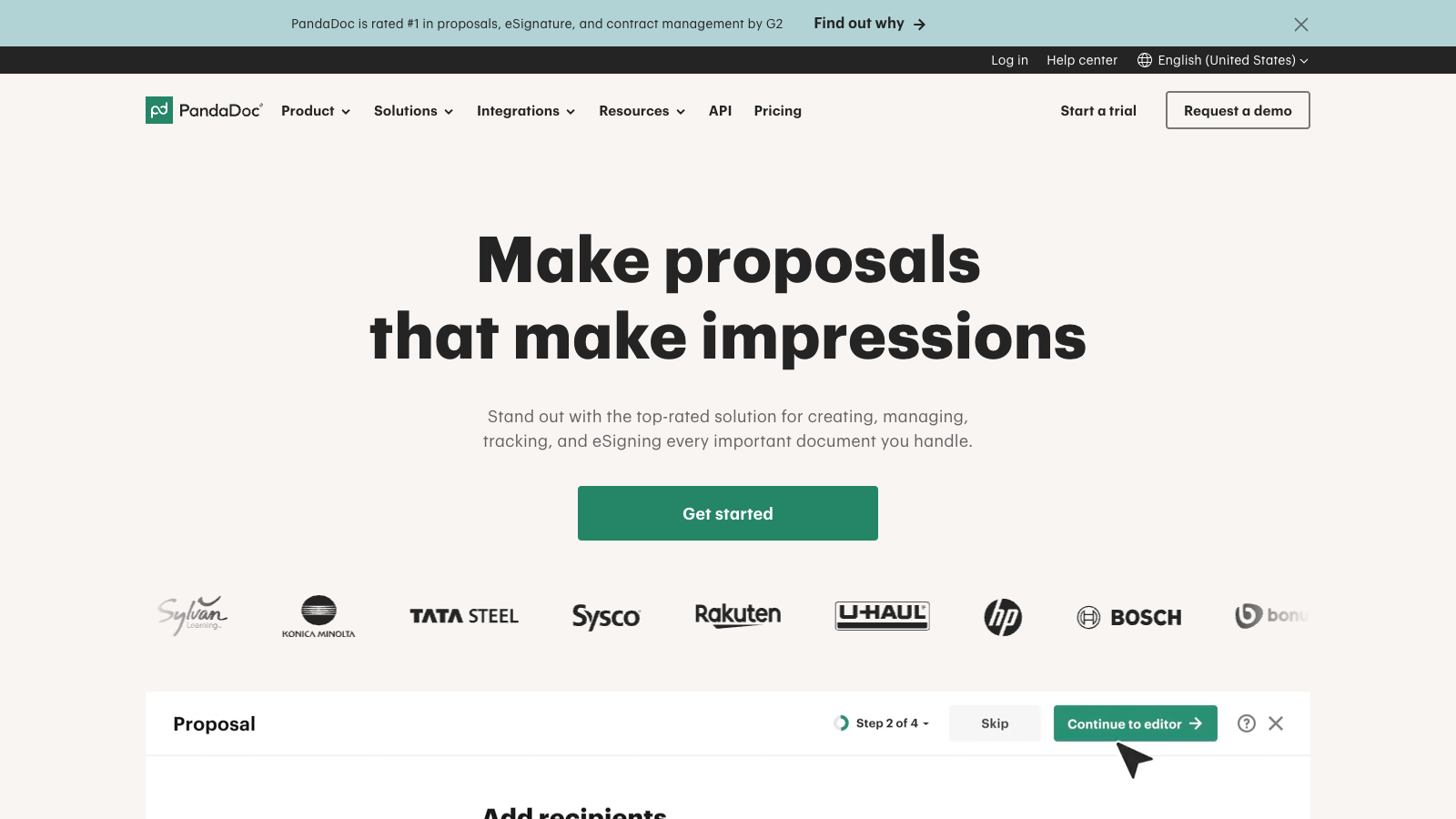
Best for: small businesses, consultants and proposal-heavy sales teams that need more than a simple proposal page.
Inside the tool
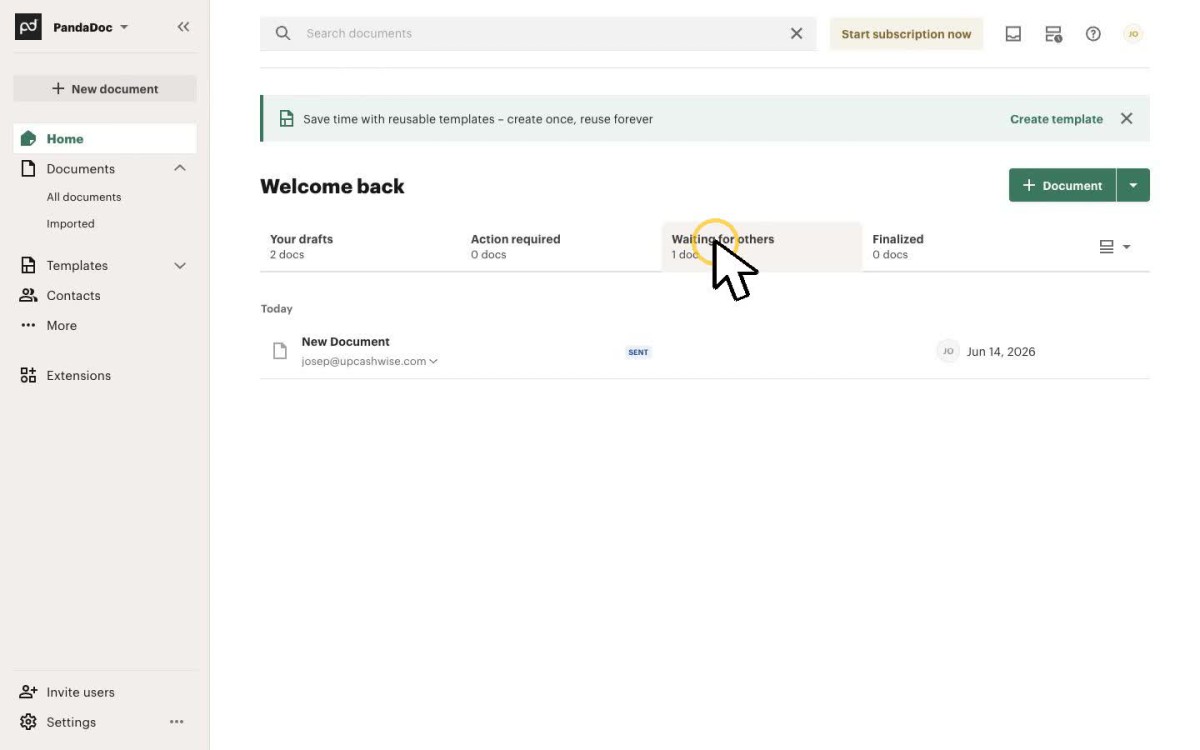
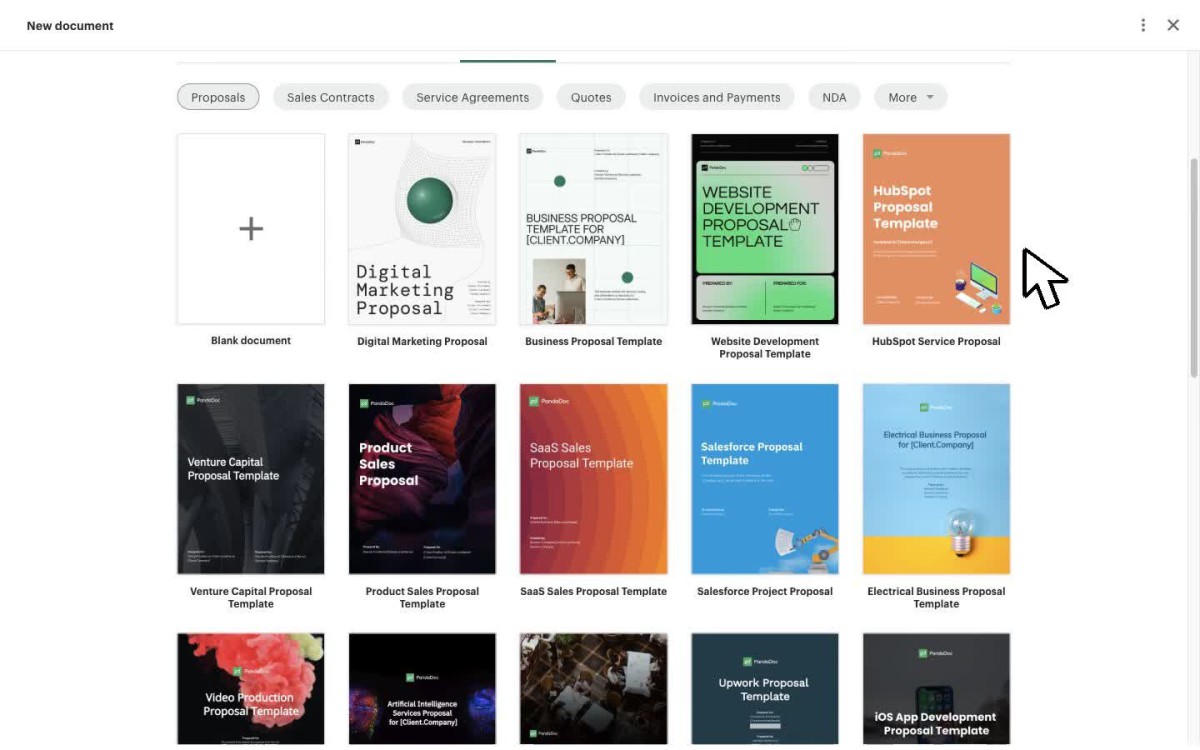
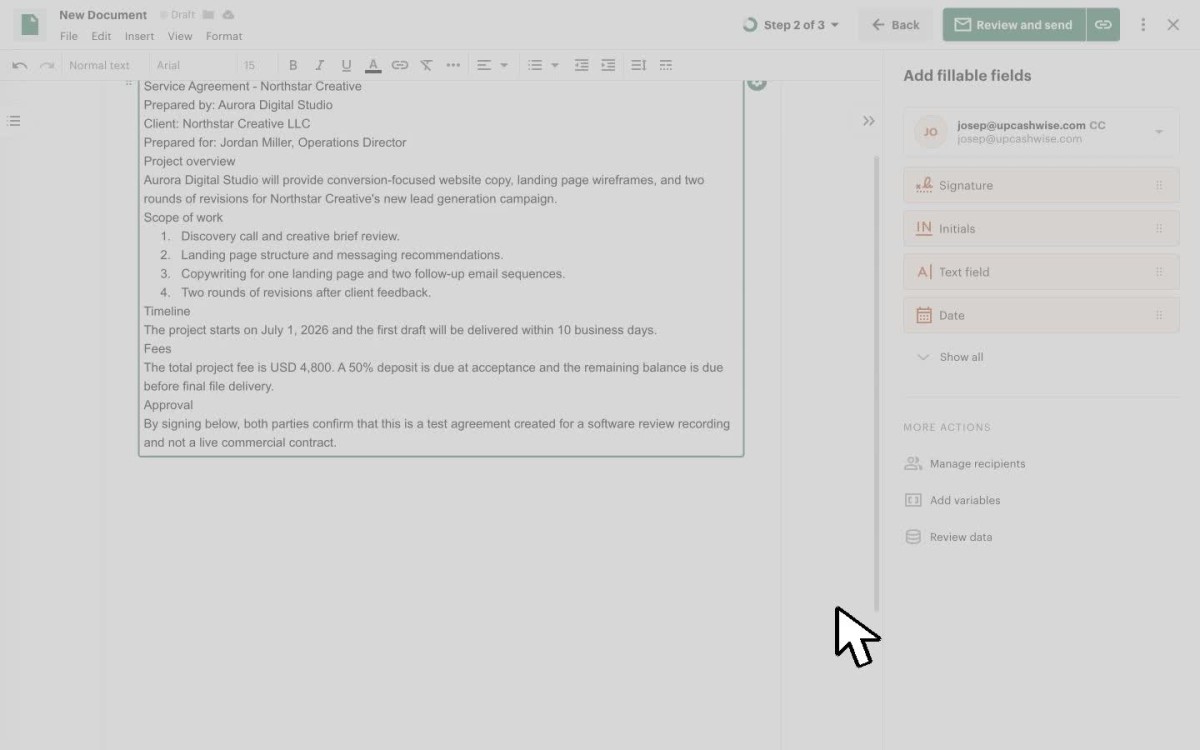
PandaDoc is the strongest all-rounder here because it connects proposals, quotes, contracts, e-signatures, payments, approvals and document tracking in one place. It feels deeper than the other tools if your sales process involves several people, repeatable content, quote changes or formal approval steps.
The tradeoff is that PandaDoc can be more tool than a solo freelancer needs. If you only send simple proposals a few times per month, HoneyBook or Better Proposals may feel easier. But if proposals are part of a repeatable sales process, PandaDoc gives you the broadest room to grow.
PandaDoc Pros
- Generous free planI liked that PandaDoc’s free plan is actually useful for light document signing, not just a trial with a timer attached.
- Good collaboration and approvalsYou can comment, suggest edits, add collaborators and use approval workflows before documents are sent to clients.
- Strong proposal editorThe editor lets you add blocks, columns, images, videos and pricing tables, so proposals can feel like polished online documents rather than static PDFs.
- Reusable templates and contentOnce I had a structure in place, the reusable sections made the tool feel faster and more practical for repeat proposal work.
- Useful reportingPandaDoc shows views, time spent on pages and recipient engagement; that helps you follow up when there is a real reason to do it.
- Payments inside documentsYou can add payments directly to proposals and contracts, including deposits and installments through tools like Stripe, PayPal, Square and QuickBooks Payments.
PandaDoc Cons
- PandaDoc can get expensiveThe headline price looks reasonable, but CRM integrations, payments, advanced analytics and stronger collaboration push you toward higher plans or add ons.
- Limited built in CRMPandaDoc’s contact management is useful for assigning recipients, but it does not replace a proper CRM with pipelines, stages and custom fields.
- Not a full client portalRooms are useful, but they are not the same as a long term portal where clients can access all proposals, contracts, invoices and messages.
- White label branding gets expensiveYou can brand documents, but deeper white label options like sending emails from your own domain require extra fees.
- Setup takes some thoughtPandaDoc is powerful, but getting the best out of templates, approvals, pricing tables and integrations takes more setup than a simpler signing tool.
Pricing
PandaDoc has a free plan for basic e-signature use. Paid plans start at $19/month on annual billing, but the Business plan at $49/seat/month is where proposals, CRM integrations, content library, deal rooms and approval workflows start to feel more useful.
2. HoneyBook: best clientflow tool for freelancers
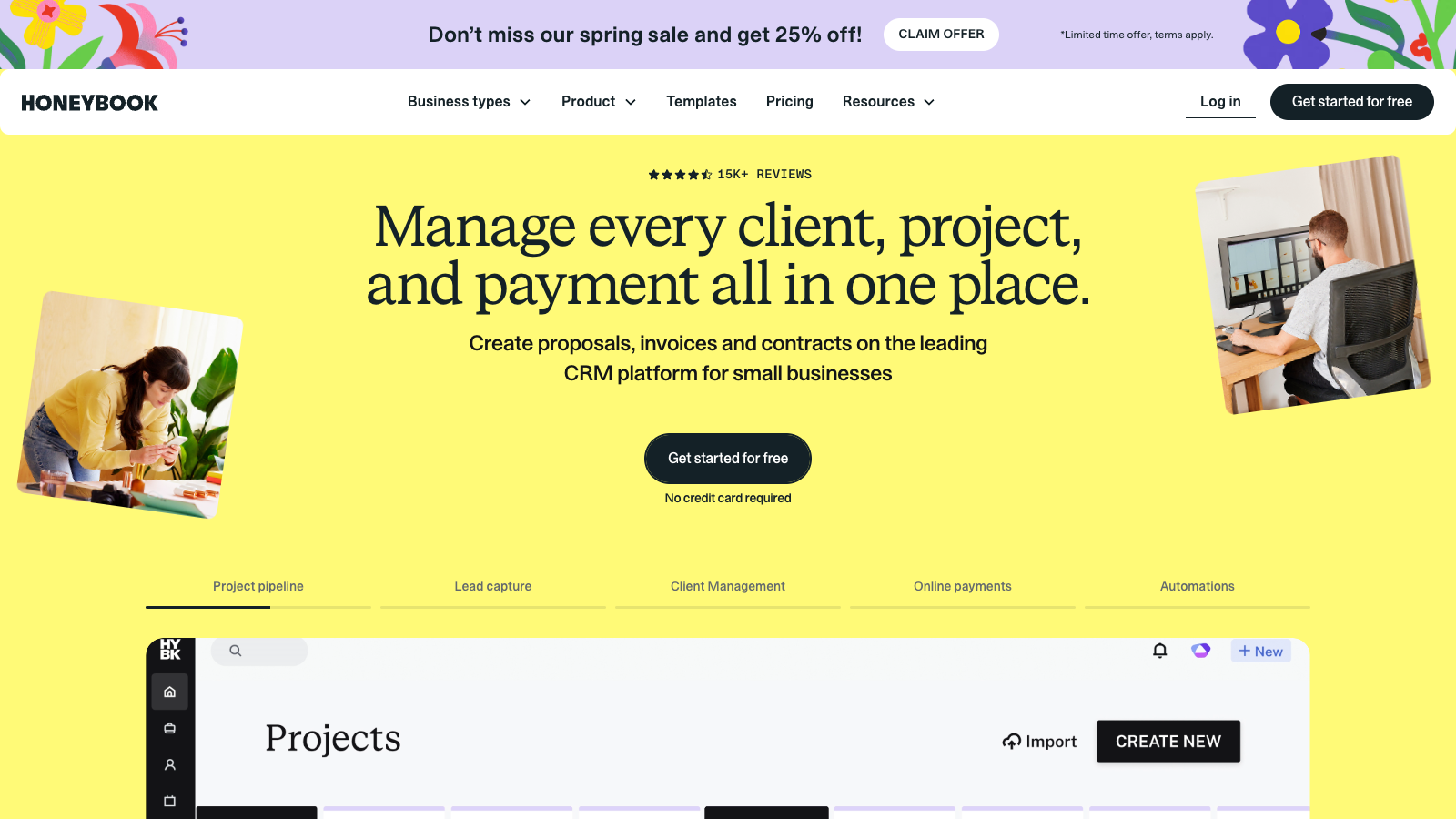
Best for: freelancers, consultants, creatives and small service businesses that want proposals, contracts, invoices, payments and client communication together.
Inside the tool
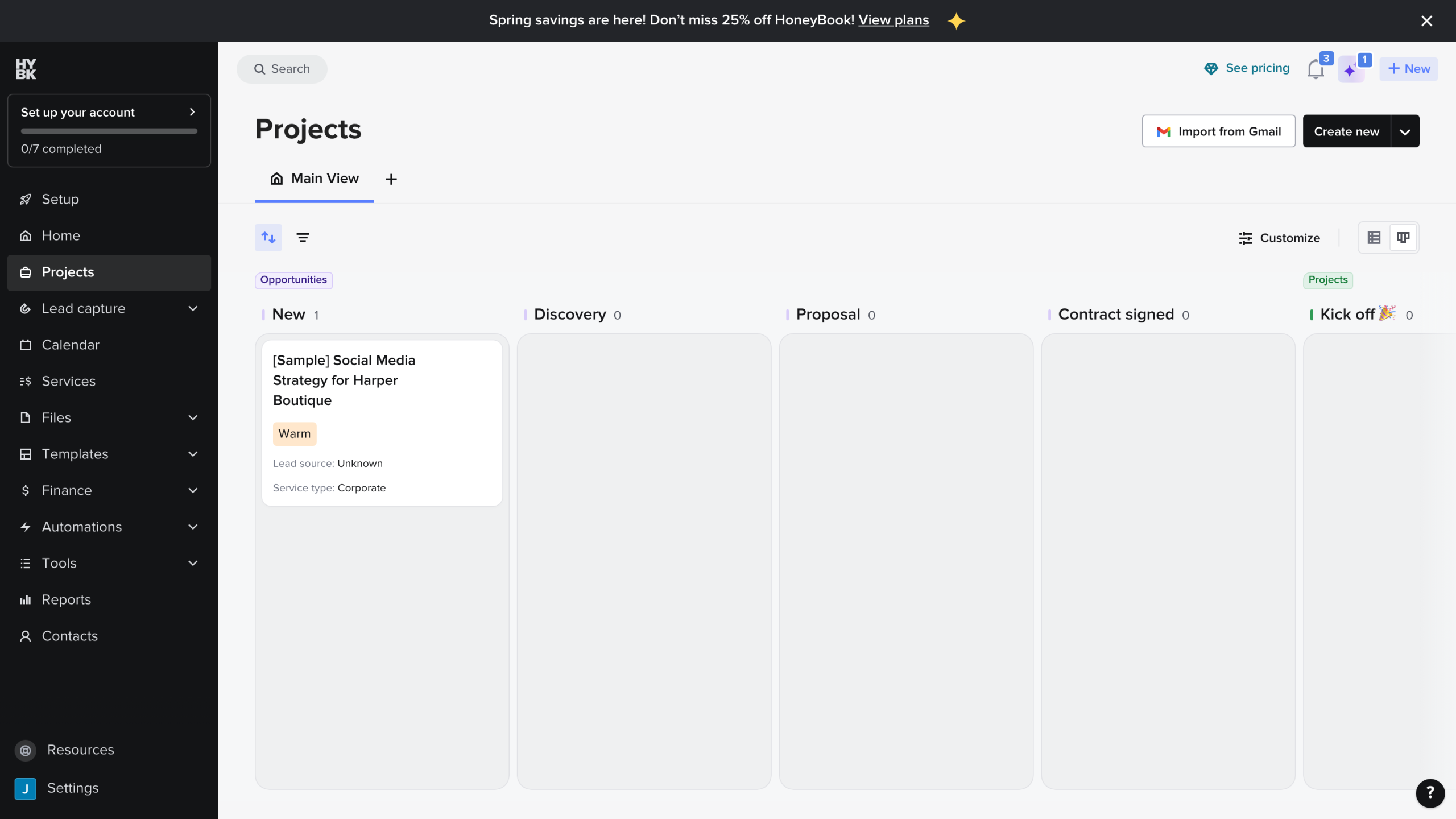
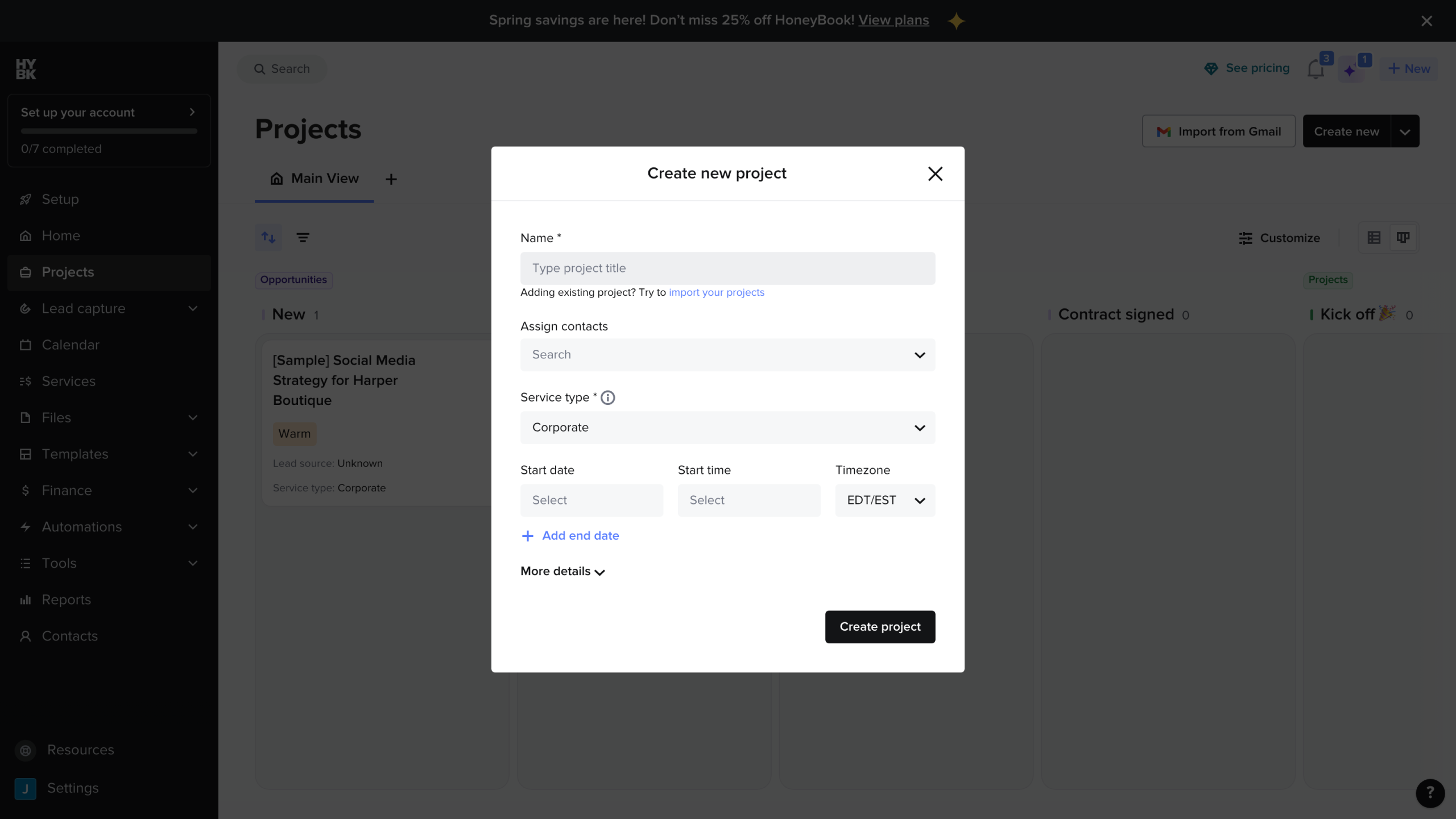
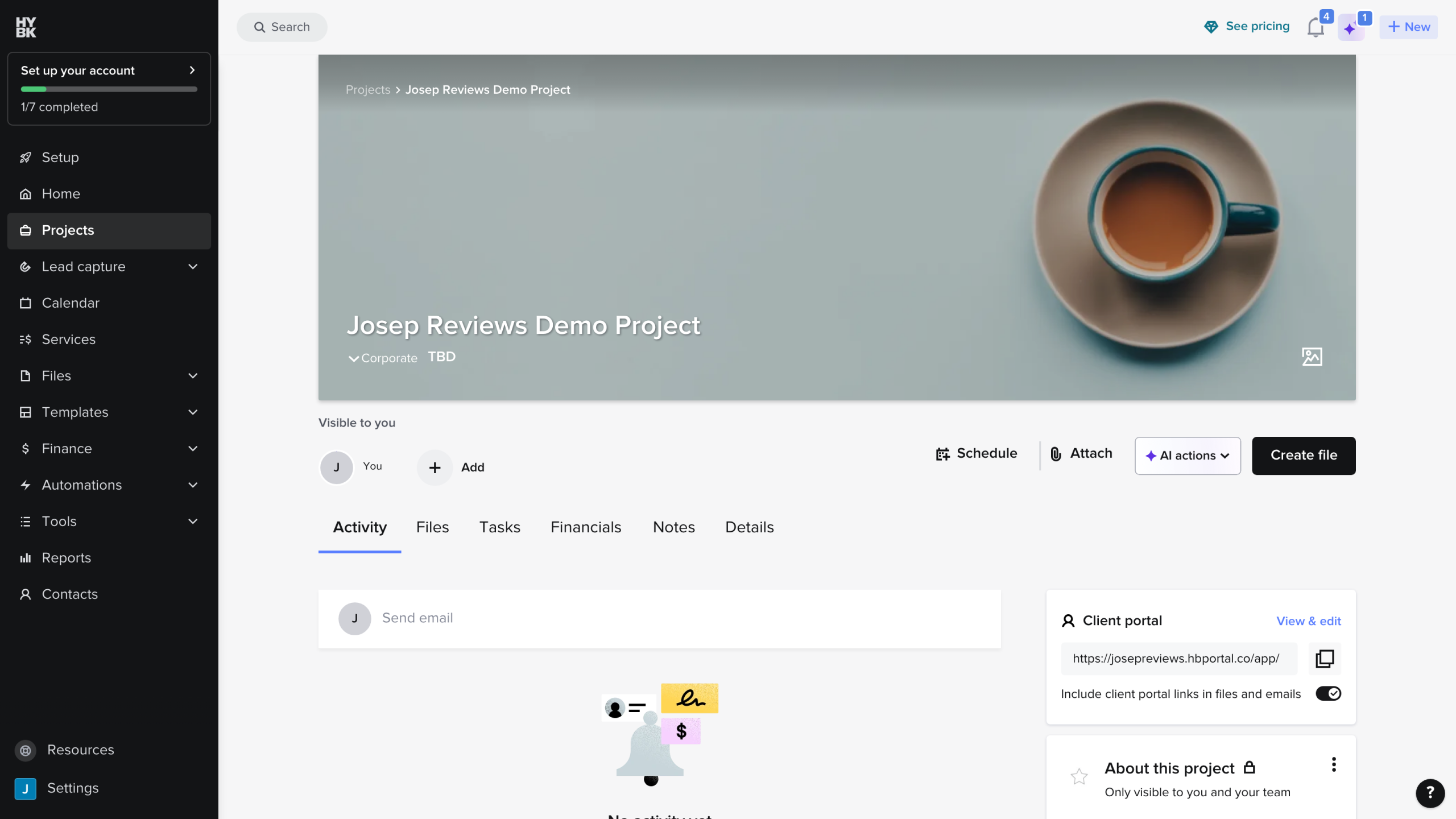
HoneyBook is not the deepest proposal editor, but it is one of the easiest tools to understand as a full client workflow. Its Smart Files can combine services, proposal details, contracts, invoices, payments and scheduling into a smoother client experience than a plain PDF or proposal link.
I would choose HoneyBook if the proposal is only one step in a bigger client journey. It makes less sense if your main priority is advanced proposal analytics, complex quoting or sales-team approval workflows.
HoneyBook Pros
- Proper client portalClients get a real login area where they can see files, messages, invoices, payments and project details in one branded place. This feels much more professional than sending a simple document link.
- Strong client workflowHoneyBook can replace several tools by combining proposals, contracts, invoices, scheduling, messaging and basic reporting in one workflow from first inquiry to final payment.
- Useful automationsAutomations can send emails and Smart Files, move pipeline stages, assign tasks and trigger reminders based on client actions. This removes a lot of manual follow up from bookings and onboarding.
- Light CRM includedYou get clients, projects, custom fields, a configurable pipeline, contact forms, lead forms, tags, notes and a contact workspace with messages and activity history.
- Payments and invoicingHoneyBook handles invoices, card and bank payments, deposits, installments, payment plans, autopay, reminders, late fees, tips and basic reports. It is closer to real invoicing than simple proposal payment links.
HoneyBook Cons
- Starter feels limitedThe Starter plan misses scheduler, automations, QuickBooks, SMS reminders, branding removal and team members. Many small businesses will probably need Essentials instead.
- No free planThere is a free trial, but no ongoing free plan. That makes HoneyBook less appealing if you only need the occasional proposal, contract or invoice.
- Less proposal depthSmart Files work well for service proposals, but they are not as deep as dedicated sales-document tools for complex quoting, fine layout control or big-team proposal workflows.
- Basic approval workflowTeam roles and project access are useful, but I did not see rich proposal collaboration like inline comments, suggestion mode, formal approval chains or detailed version history.
Pricing
HoneyBook starts at $29/month on annual billing. That includes the core client workflow: projects, proposals, contracts, invoices, payments, calendar, templates and a client portal, so it can be better value than a proposal-only tool if you need the whole freelance setup.
3. Dubsado: best for custom workflows and client portals
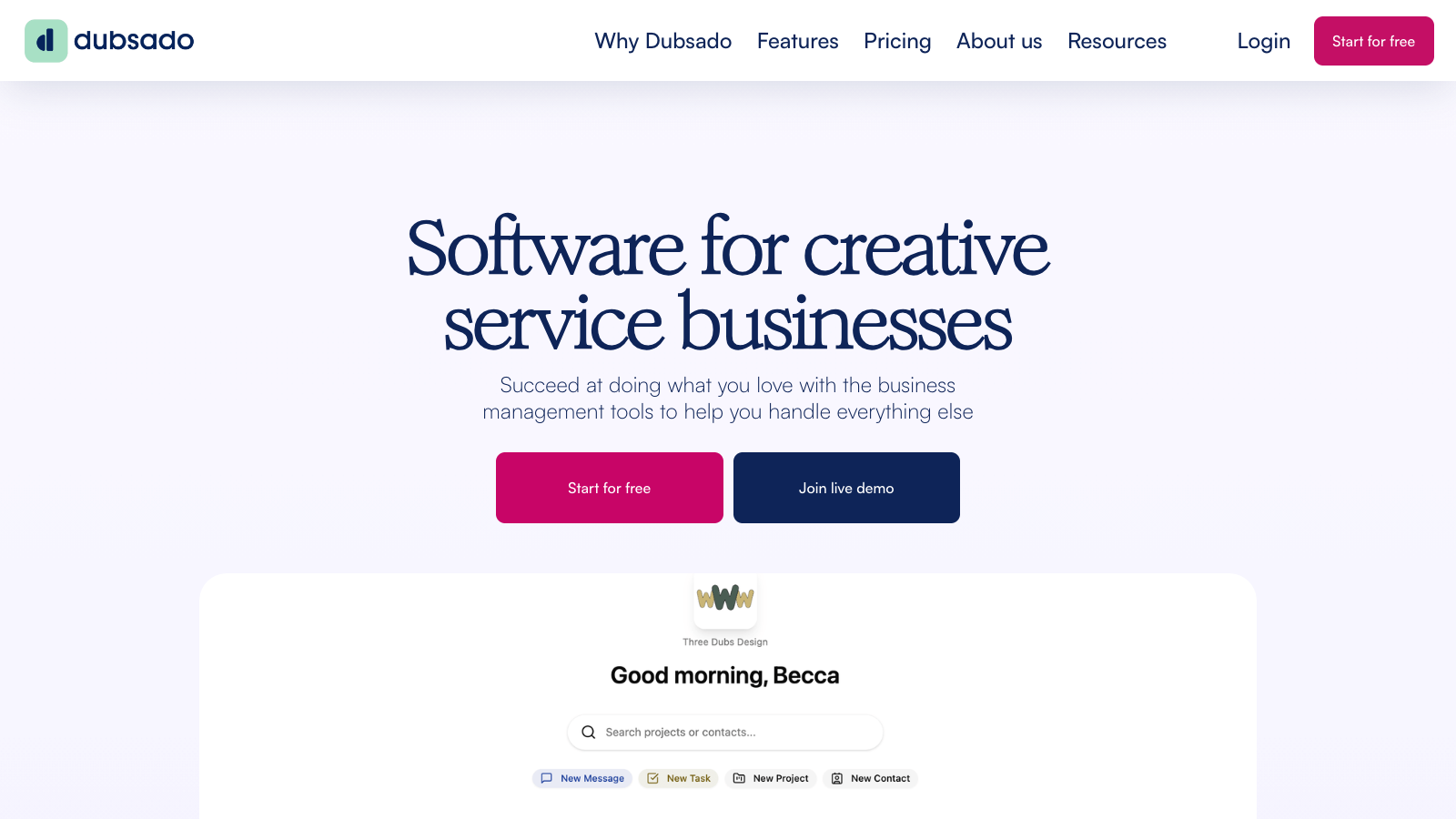
Best for: workflow-heavy service businesses that want to configure their own forms, packages, contracts, invoices, automations and portal steps.
Inside the tool
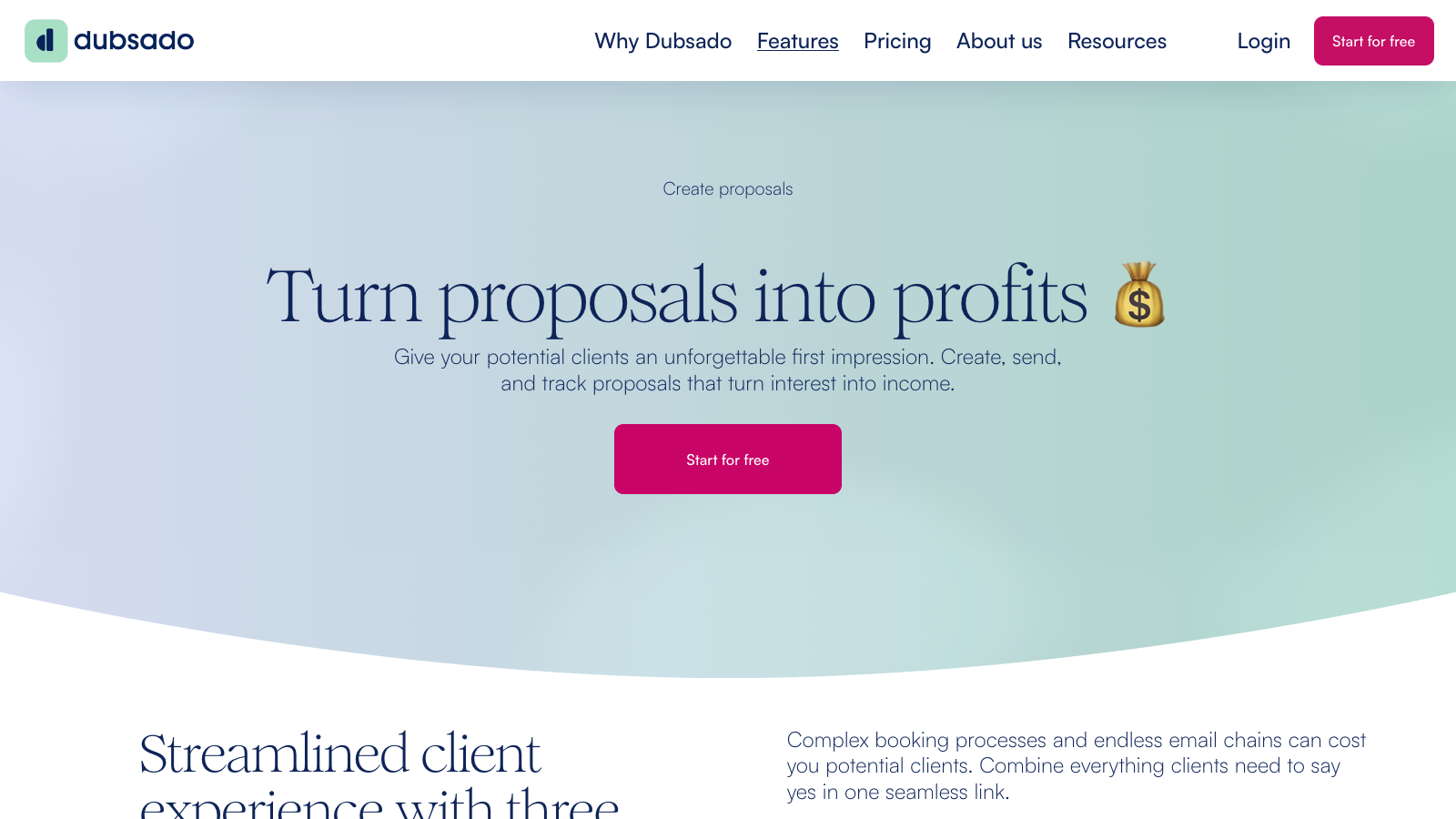
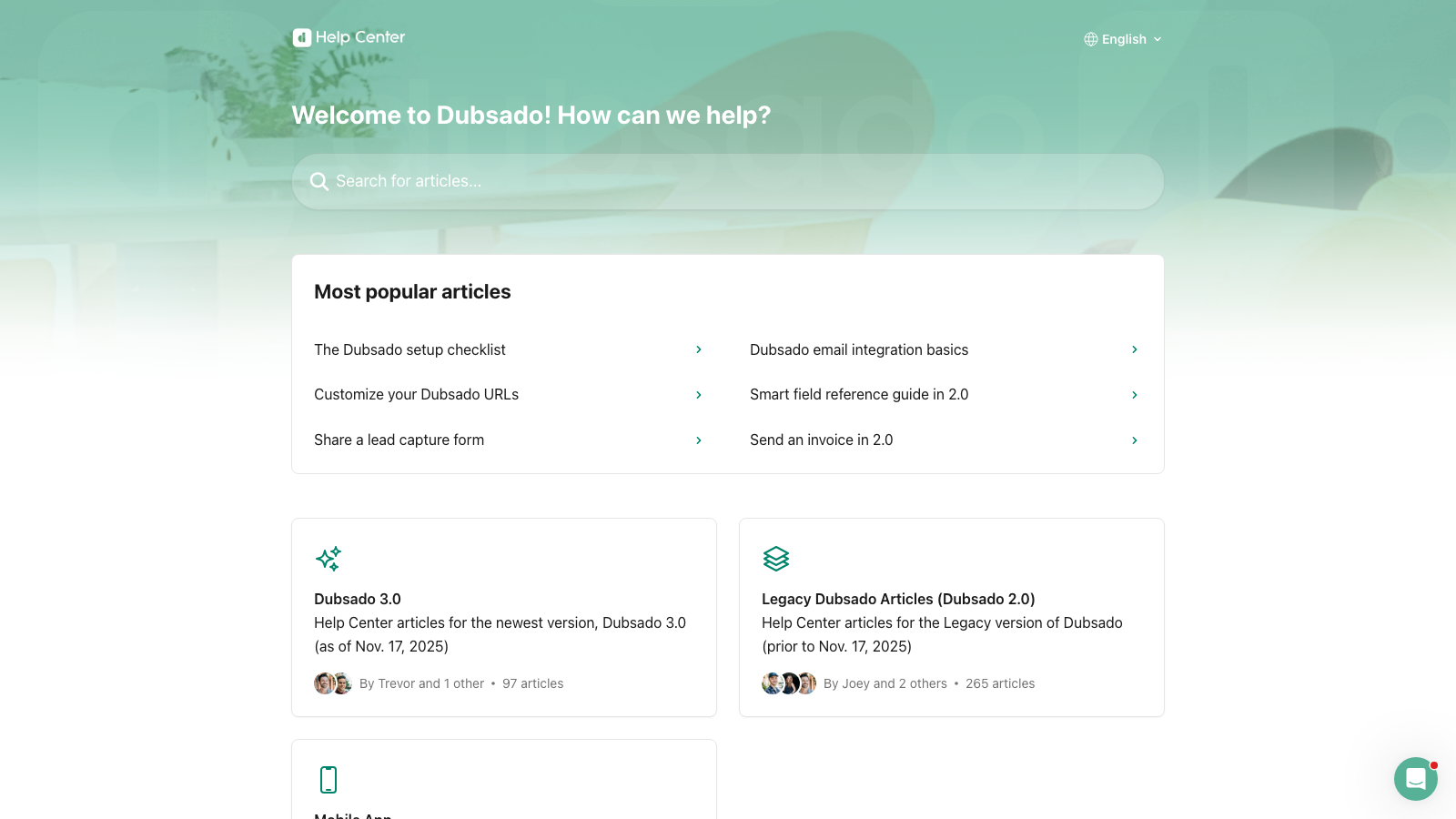
Dubsado is powerful because it can replace several tools: CRM, proposals, contracts, invoices, payment plans, forms, scheduling, workflows and client portals. It is especially interesting if you care about what happens after the proposal is accepted.
The downside is setup time. Dubsado is not the tool I would recommend if you want the fastest, simplest proposal editor. It becomes valuable when you are willing to build templates and workflows properly.
Dubsado Pros
- All in one client systemDubsado can replace a big chunk of your stack with CRM, proposals, contracts, invoices, payments, forms, portals and workflows in one place.
- Excellent client portalClients can get one login for proposals, contracts, invoices, forms, appointments and messages. It feels more complete than most proposal-only client views.
- Strong workflow automationWorkflows can handle emails, forms, contracts, invoices, schedulers, tasks, portal steps and project status changes. This can save serious admin time once configured.
- Good branding controlYou can add your logo, colors, fonts, custom domain and even CSS. It can look very on-brand, although it takes more design work than some competitors.
- Helpful supportDubsado has strong help docs, email support and live chat. In the research, support looked like one of its stronger points compared with many small-business tools.
Dubsado Cons
- Setup takes timeDubsado is powerful, but it is not the fastest tool to configure. Expect to spend time building packages, forms, templates and workflows before it feels smooth.
- Average proposal editorThe proposal builder works, but it does not feel as polished or flexible as dedicated proposal platforms like PandaDoc, Proposify or Better Proposals.
- Limited proposal analyticsDubsado is useful for business and project reporting, but it lacks stronger proposal analytics like opens, time on page or deeper engagement tracking.
- Premier is the real planStarter is useful, but the workflow-heavy value is on Premier. Scheduling, automated workflows, public proposals, Zapier and bookkeeping are not Starter features.
Pricing
Dubsado is priced more simply than most: Starter is $27.92/month when paid annually, and Premier is $43.75/month when paid annually. I would only lean toward it if you are ready to spend time building workflows and templates properly.
4. Proposify: best dedicated proposal tool for sales teams
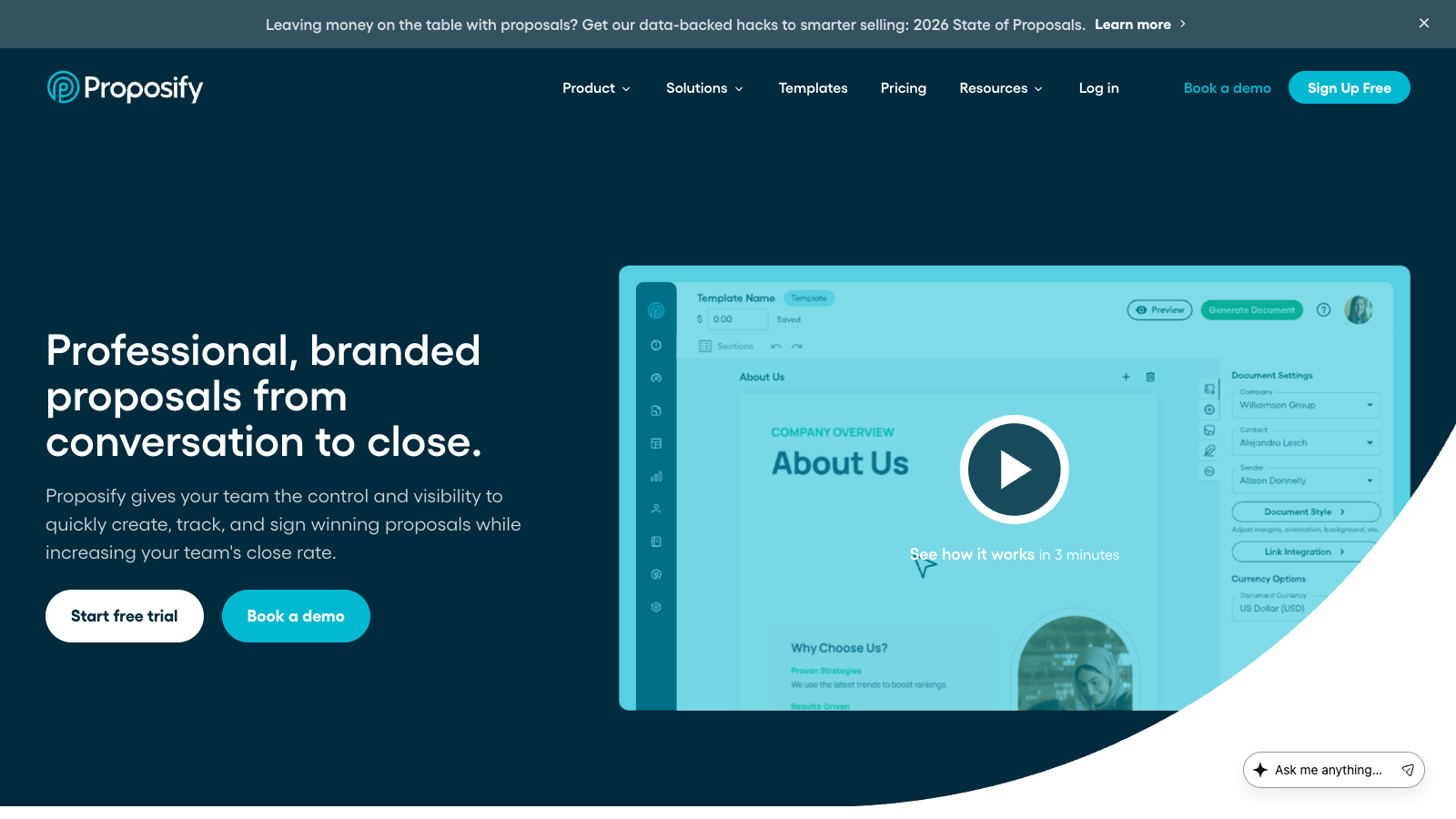
Best for: teams that send proposals often and care about reusable content, polished proposal pages and follow-up analytics.
Inside the tool
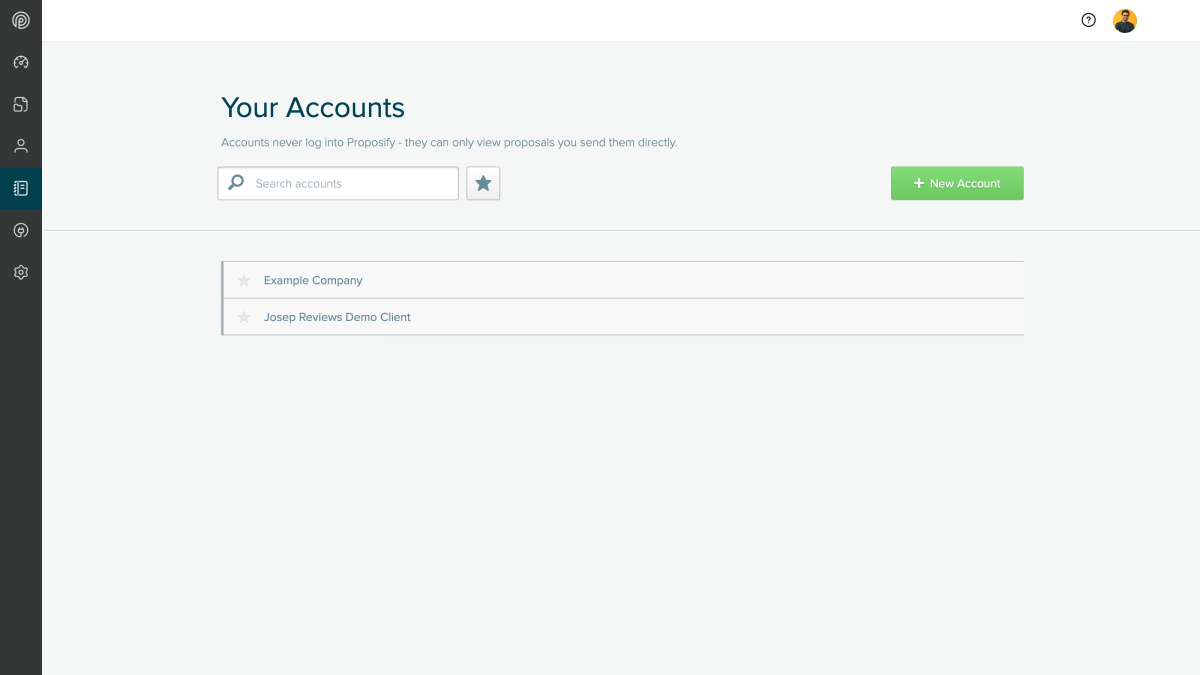
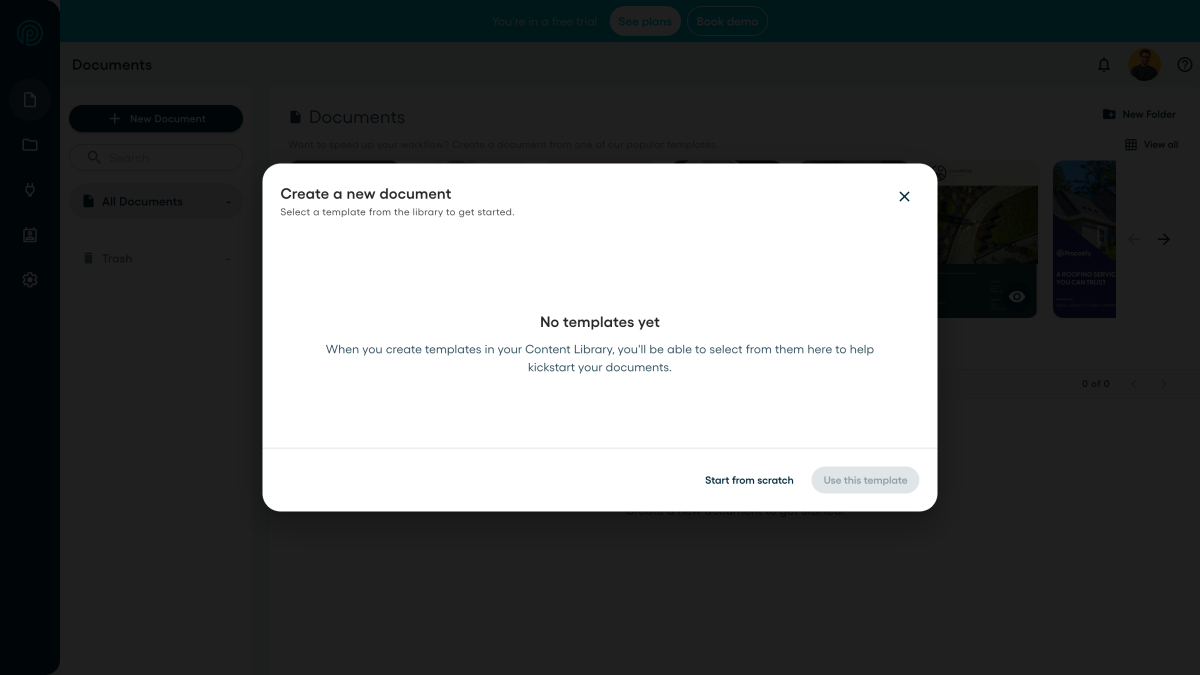
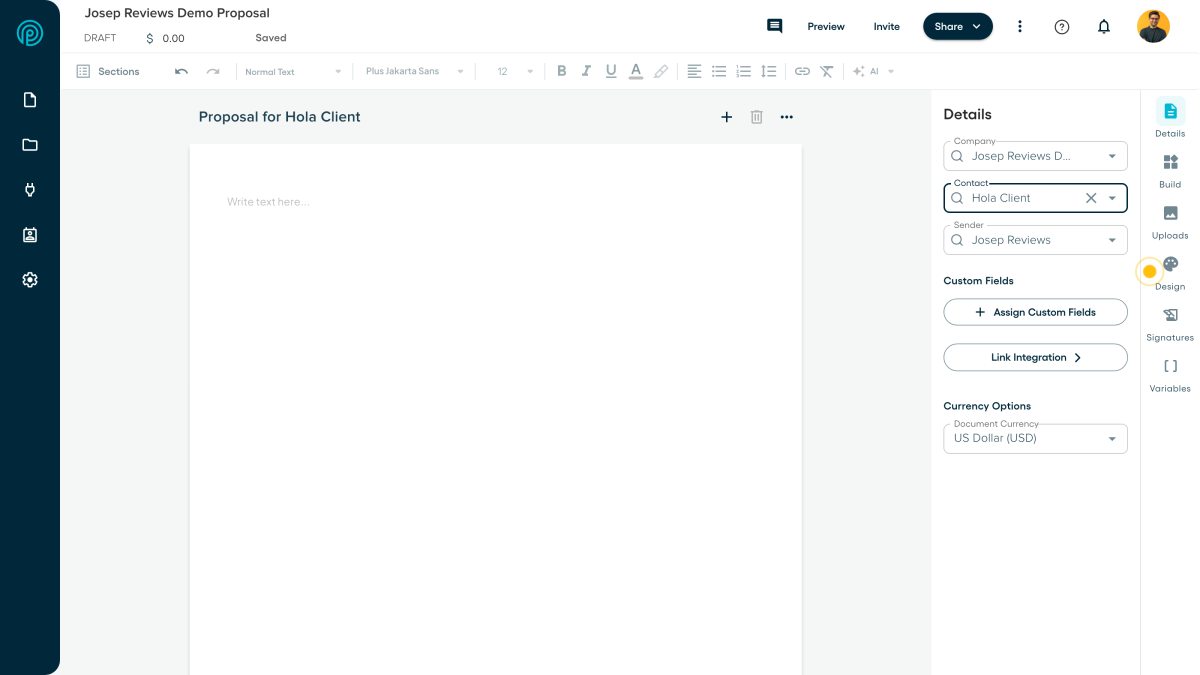
Proposify is more focused than HoneyBook or Dubsado. It is there to help teams create, send, track and improve proposals. The editor, templates, snippets, content library and proposal analytics are the main reasons to consider it.
I would not choose Proposify as a full client management system. It does not replace a CRM, invoicing tool or persistent client portal. But if proposals are the workflow you want to improve, its focus is a strength.
Proposify Pros
- Intuitive proposal editorThe editor is one of Proposify’s strongest points. It feels clean, modern and focused on building branded proposals quickly, especially if you already know the content you want to reuse.
- Reusable content libraryYou can save templates, sections, snippets, case studies, service descriptions and pricing blocks. That is useful for teams that send similar proposals and want more consistent wording.
- Strong proposal analyticsProposify tracks opens, view time, section engagement and proposal status. I like this because it gives sales teams a real reason to follow up, not just a guess.
- Good client-facing proposalsThe proposal pages feel polished from the client side, with navigation, sharing, PDF download, comments, accept or decline actions and e-signatures.
Proposify Cons
- No true client portalClients mainly interact with proposal links. Proposify does not replace a proper client portal with files, invoices, messages and project history.
- Limited payment flexibilityStripe payments can work for deposits or simple payments, but Proposify is not a full invoicing or billing platform and native recurring payments are limited.
- Best features cost moreIntegrations, automations, API access, SSO, roles and advanced controls are tied to higher plans or add-ons, which weakens the value for smaller teams.
- Not for complex quotingInteractive pricing is good for service proposals, but I would not choose Proposify for complex CPQ-style quoting or deeply customized pricing rules.
Pricing
Proposify starts with Basic for small sending needs, with Team and Business above it. The important limit is not only the price; Basic is capped at 5 document sends per month, while Team and Business move into unlimited sends and stronger team controls.
5. Better Proposals: best low-cost proposal tool for small teams
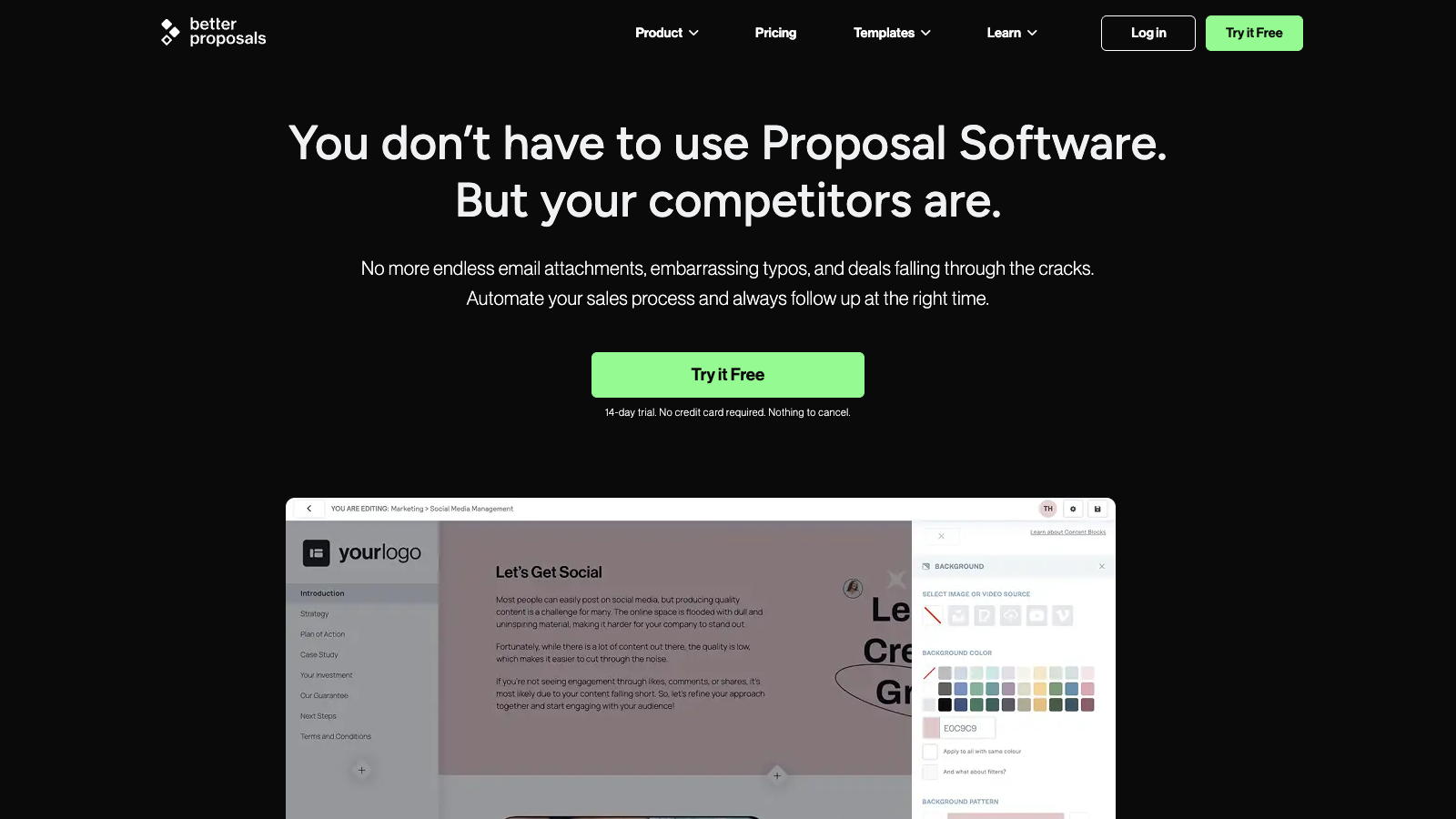
Best for: freelancers and small agencies that want polished online proposals, signatures, payments and tracking without a complicated setup.
Inside the tool
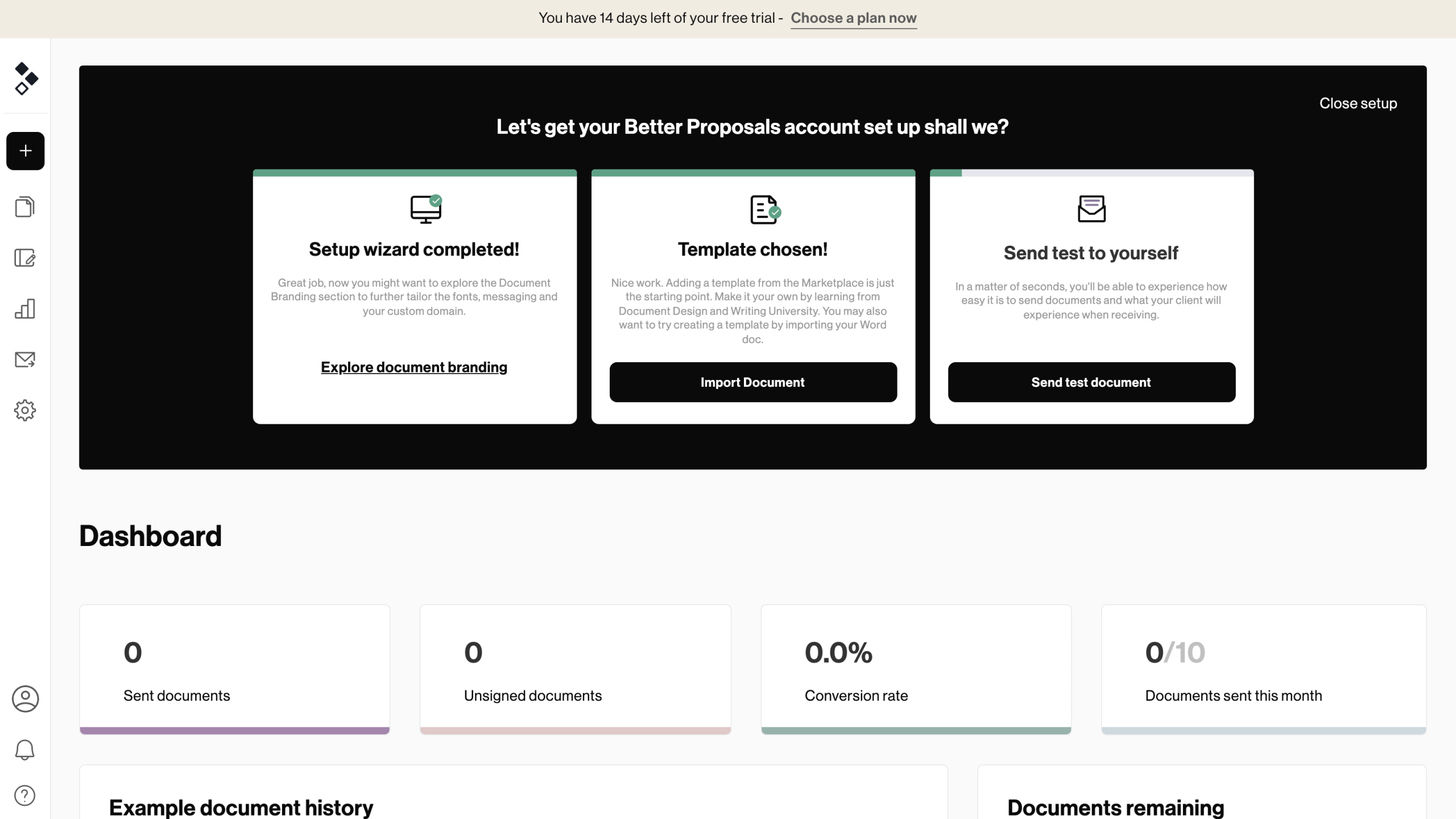
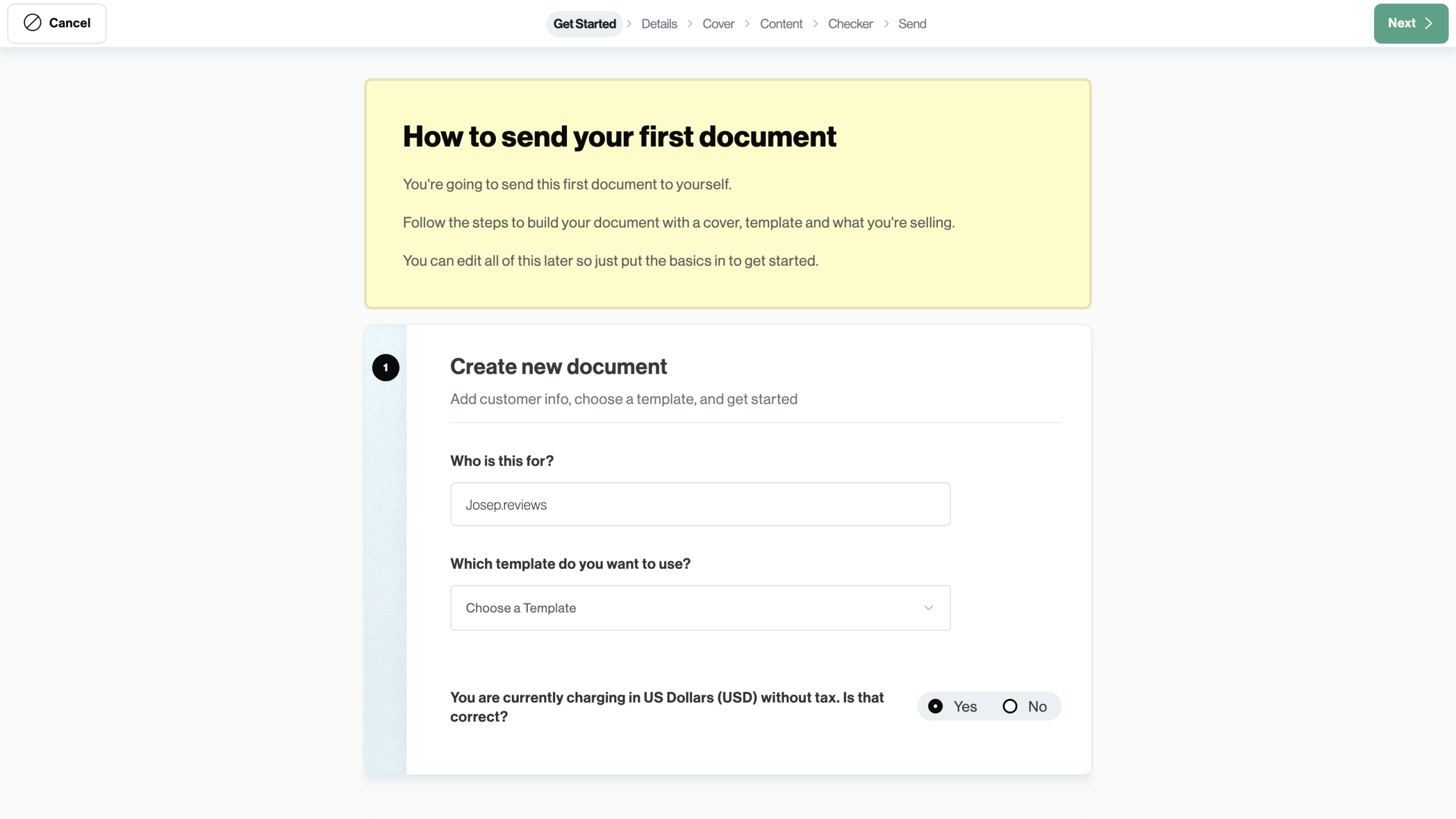
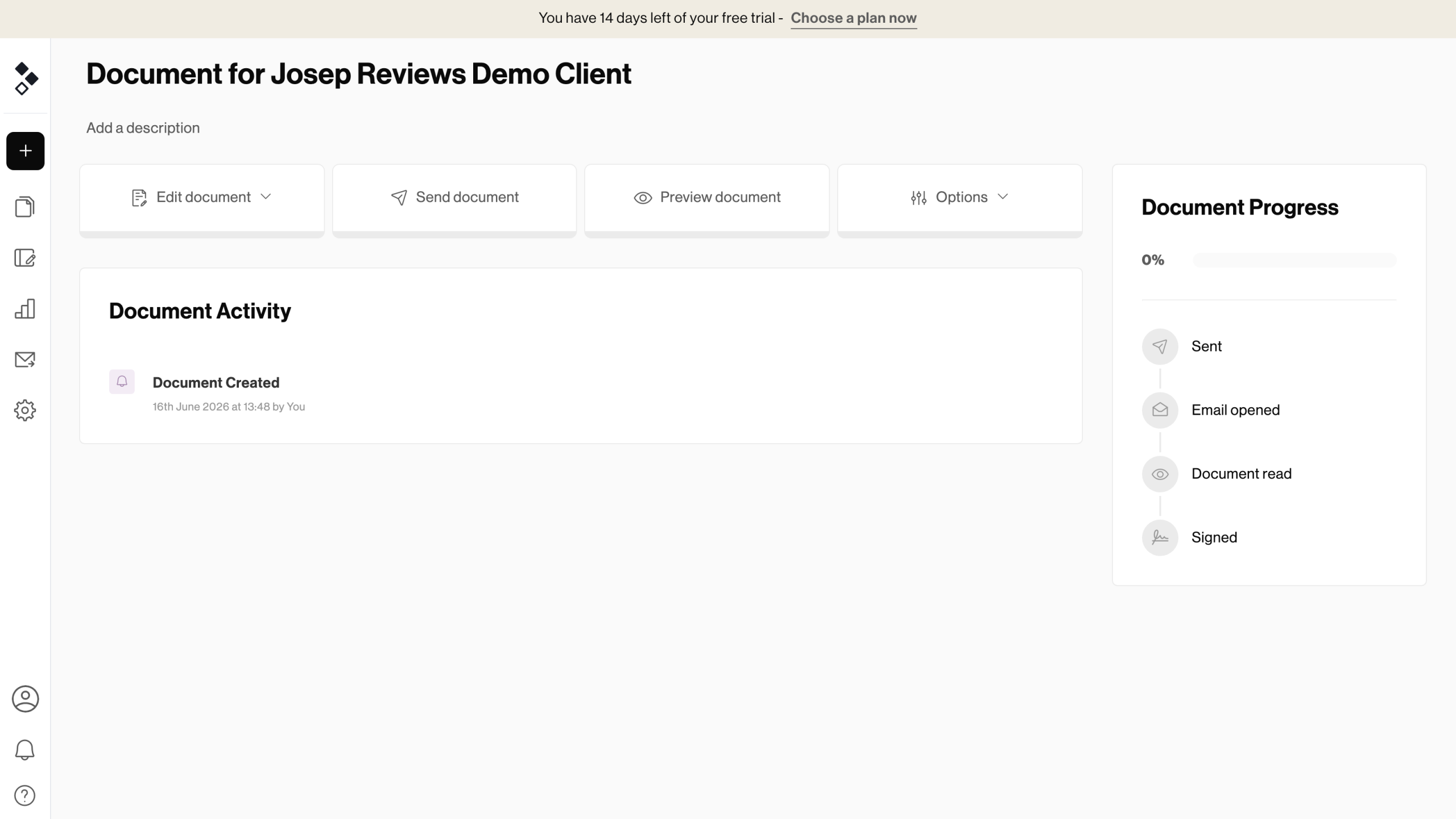
Better Proposals is the simplest recommendation here if you mostly need better proposal pages. It gives you templates, reusable content, pricing tables, e-signatures, payment options and tracking at a lower starting price than most of the group.
The main limits are around scale and breadth. Send limits, advanced approvals, CRM/API features and custom-domain options depend on plan choice, and it does not replace a full CRM, client portal or invoicing system.
Better Proposals Pros
- Fast proposal creationThe editor and template system make it quick to get a proposal ready. I liked this more for repeatable service proposals than for very complex custom documents, because the value is in reusing what already works.
- Polished client experienceProposals feel modern from the client side, with online viewing, signing, pricing tables and payment options. It feels much better than sending a static PDF and waiting for the client to figure out the next step.
- Strong templates and libraryThe templates, content library, reusable blocks and pricing tables are useful if you send similar offers often. This is where the tool starts saving time, especially if several people need to stay on-brand.
- Good value for small teamsStarting at $13/user/month on annual billing, Better Proposals is affordable compared with many proposal tools, especially for freelancers and small agencies that do not need a heavy sales system.
Better Proposals Cons
- Send limits on cheaper plansStarter includes 10 monthly sends and Premium includes 50. That may be enough for many freelancers, but busier agencies can hit the limit quickly if every lead gets a proposal.
- Not a full client portalClients get polished proposal links, but not a full workspace with messages, files, invoices and project history. HoneyBook or Dubsado go further there if post-sale admin matters.
- Limited invoicing depthPayments through Stripe, PayPal and GoCardless are useful, but Better Proposals is not a full invoicing, deposits or recurring billing platform. I would still keep accounting separate.
- Advanced features are gatedCRM integrations, API/Zapier, custom domains, approvals, permissions and collaboration features require higher plans. The cheaper plan is more limited than the headline price suggests.
Pricing
Better Proposals is the cheapest option in this list, starting at $13/user/month on annual billing. That makes it appealing if you want polished online proposals, payments and signatures without paying for a wider client management system.
6. Qwilr: best for interactive proposals
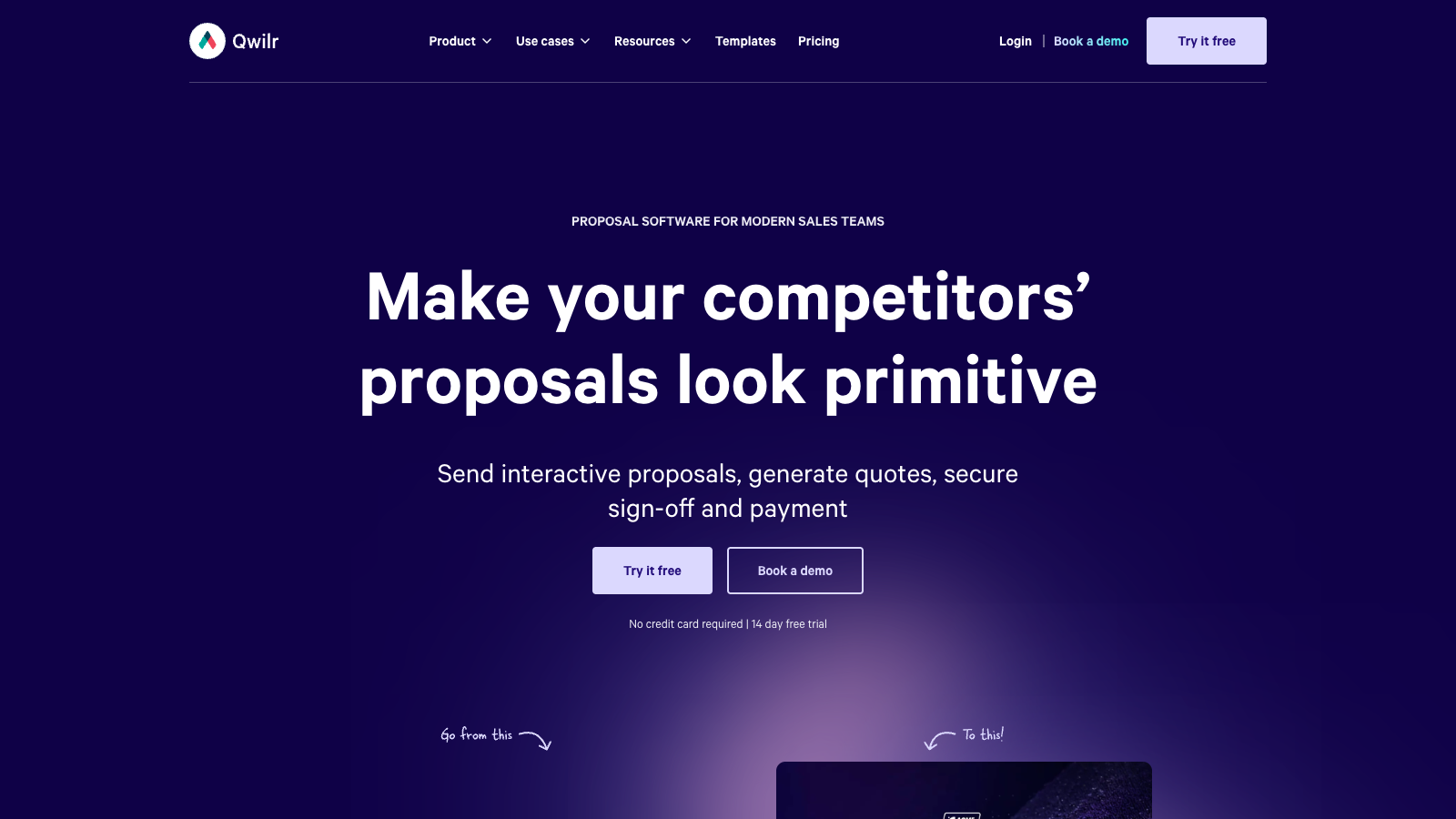
Best for: sales teams, agencies and consultants that want web-based proposals with richer media, quotes, e-signatures, payments and tracking.
See it in action
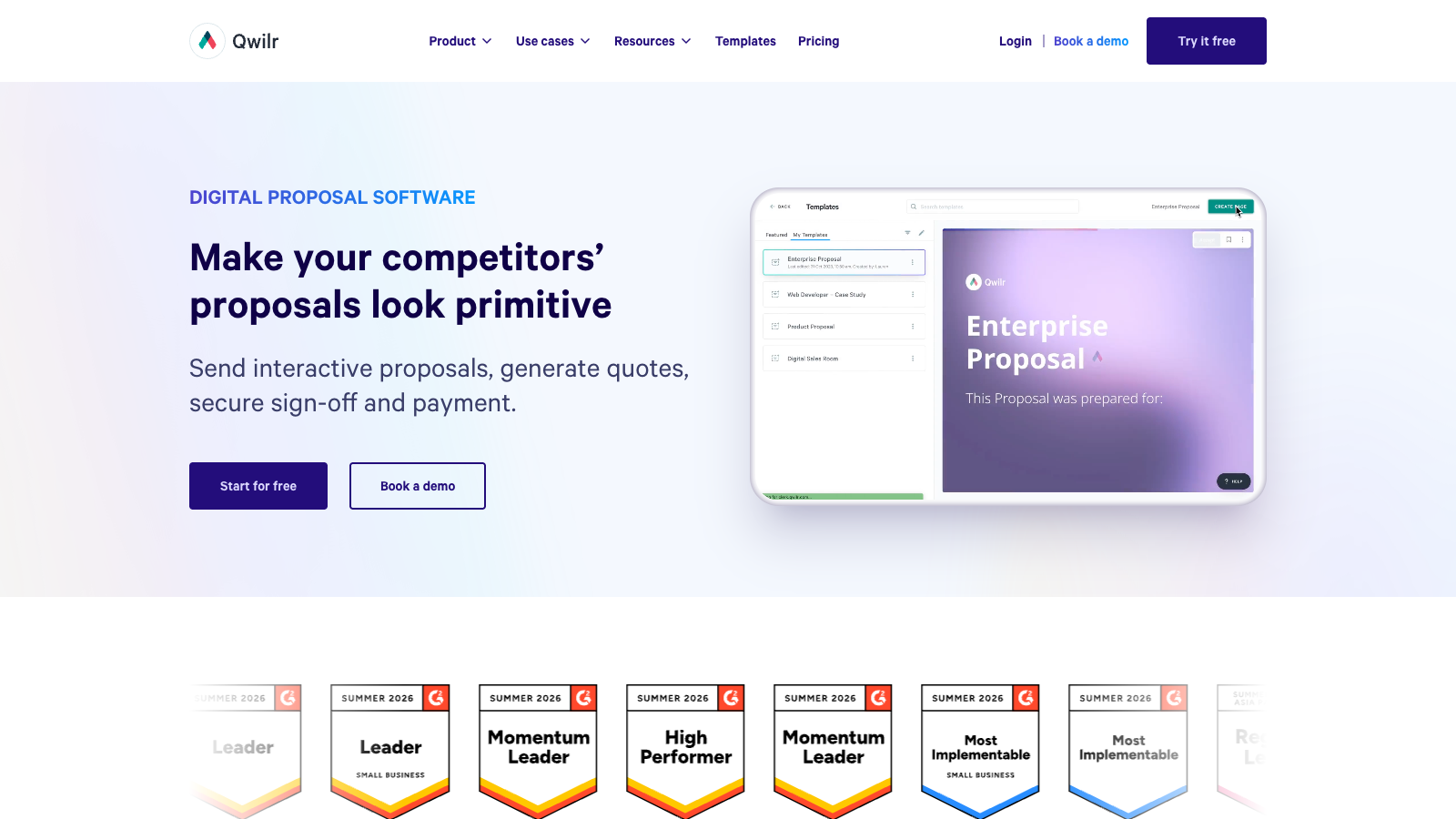
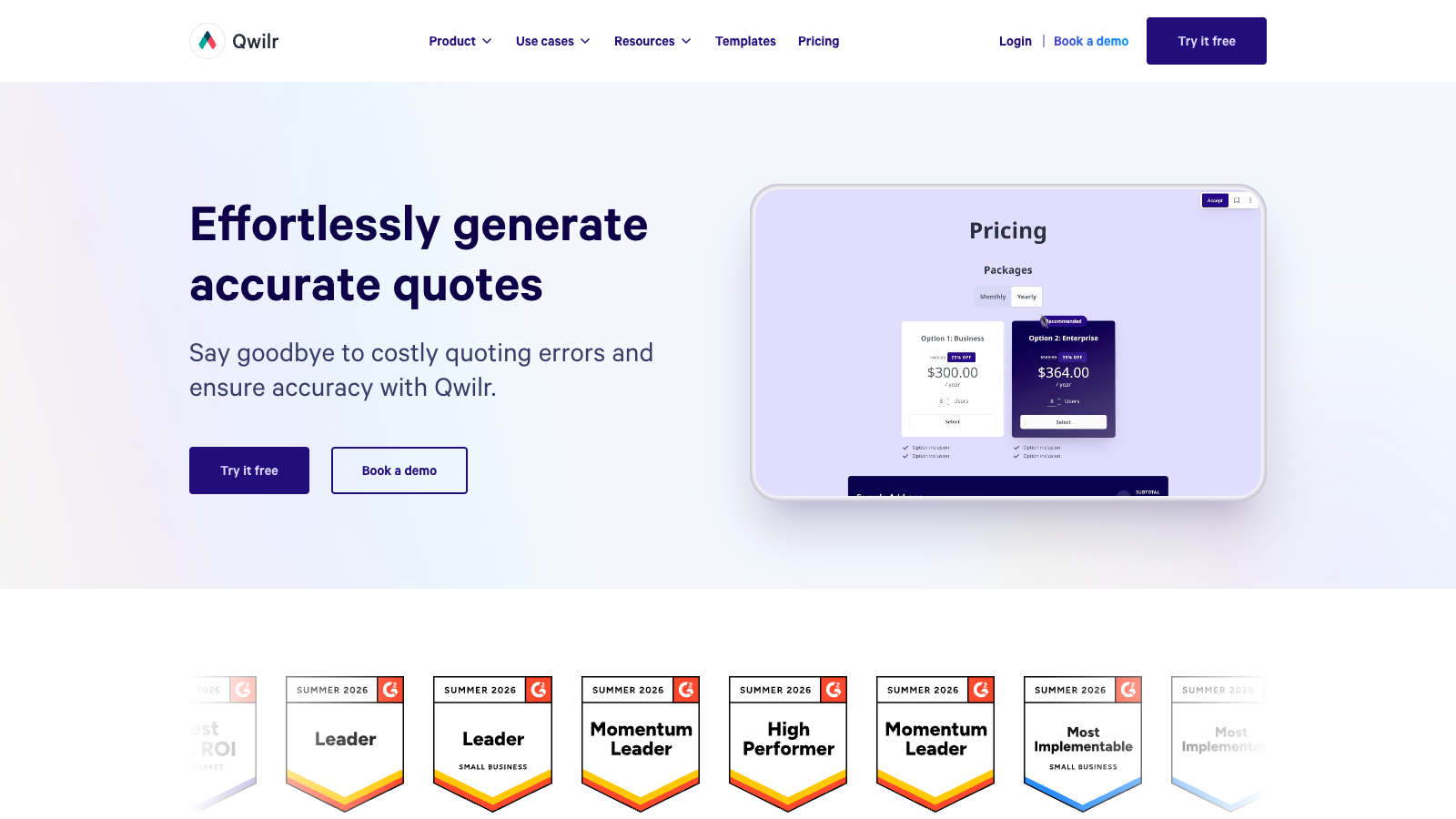
Qwilr is worth adding to the wider shortlist because it is built around interactive, web-based proposals rather than classic document sending. It covers proposal pages, quote blocks, e-signatures, payments, analytics, embedded content and CRM integrations like HubSpot, Salesforce, Zoho and Pipedrive.
Based on the research and how it compares with the tested group, I would give Qwilr an estimated rating of 3.9 out of 5. It looks strongest if presentation and buyer engagement matter; less obvious if you want invoices, scheduling or a deeper client portal.
Qwilr Pros
- Interactive proposal pagesMore like a polished web page than a static PDF, with video, embeds, quote blocks and live links.
- Built-in signing and paymentsClients can accept, sign and pay inside the proposal flow, which keeps the next step obvious.
- Good sales trackingAnalytics and notifications help sales teams see who opened a proposal and where interest is happening.
- Useful CRM linksIntegrations with HubSpot, Salesforce, Pipedrive and Zoho make it easier to connect proposals with sales pipelines.
Qwilr Cons
- Narrower client workflowQwilr is strong for interactive proposal pages, but it is not as broad as HoneyBook or Dubsado for day to day client operations.
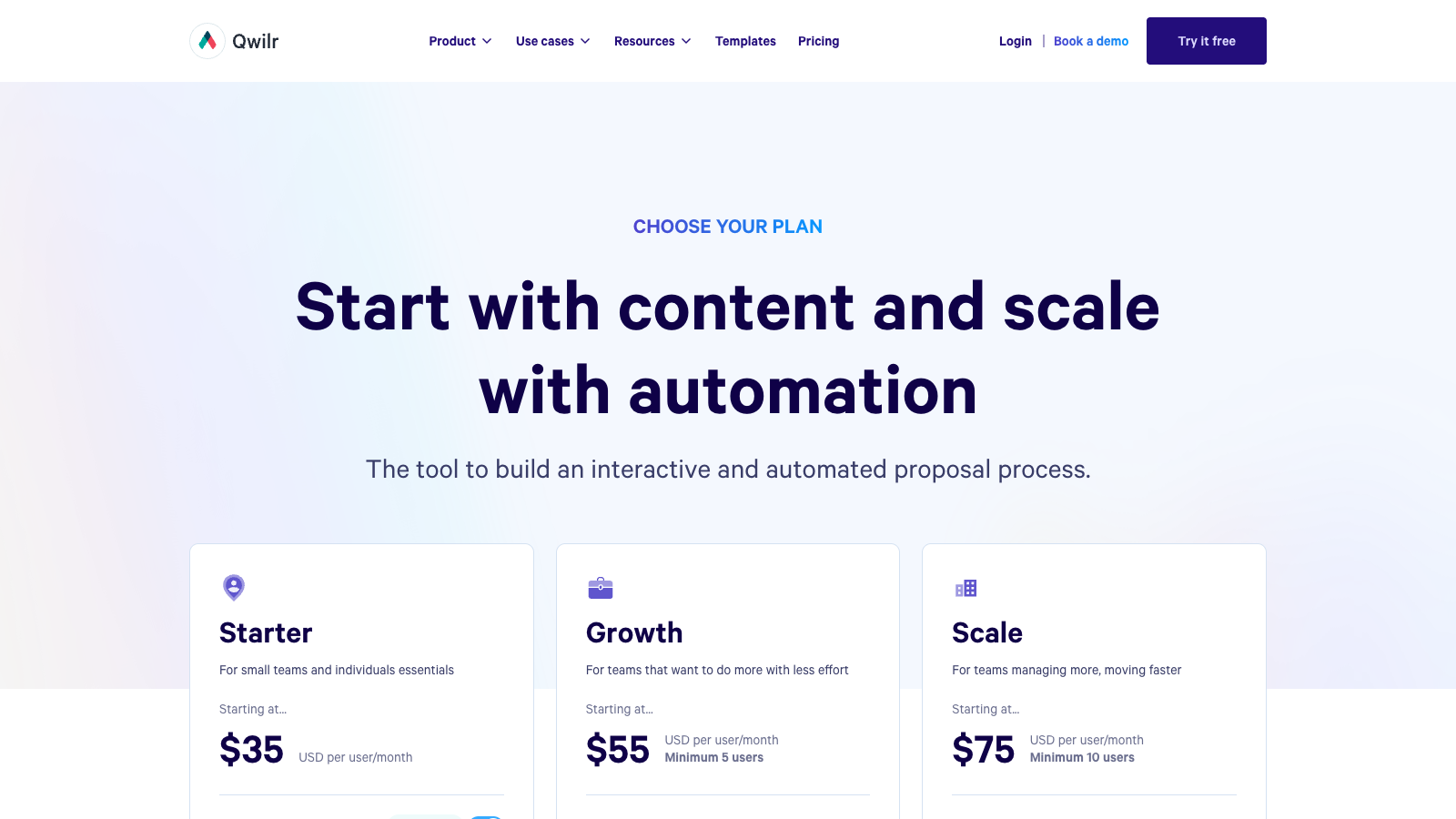
- Higher starting price$35/user/month is more expensive than Better Proposals and close to more complete tools.
- Less client managementIt is proposal and sales-content focused, not a full client workflow for invoices, scheduling and long-term portals.
- Team plans add minimumsGrowth starts at $55/user/month with a 5-user minimum, so costs can rise quickly.
Pricing
Qwilr starts at $35/user/month on annual billing. Growth is $55/user/month with a 5-user minimum, and Scale is $75/user/month with a 10-user minimum. There is a 14-day free trial.
7. GetAccept: best for sales rooms
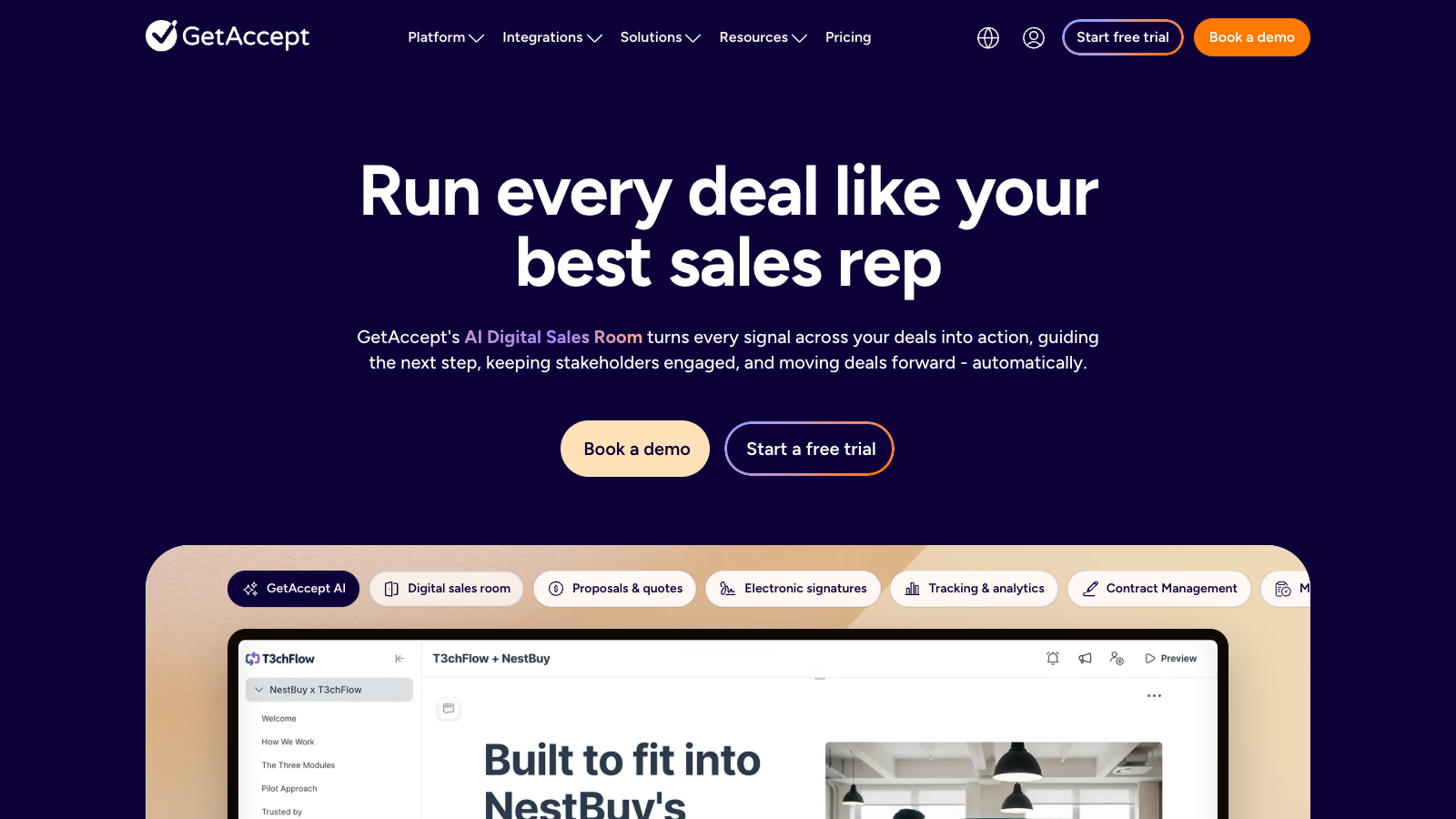
Best for: B2B sales teams that want proposals, e-signatures, buyer rooms, mutual action plans and CRM-connected follow-up in the same workflow.
See it in action
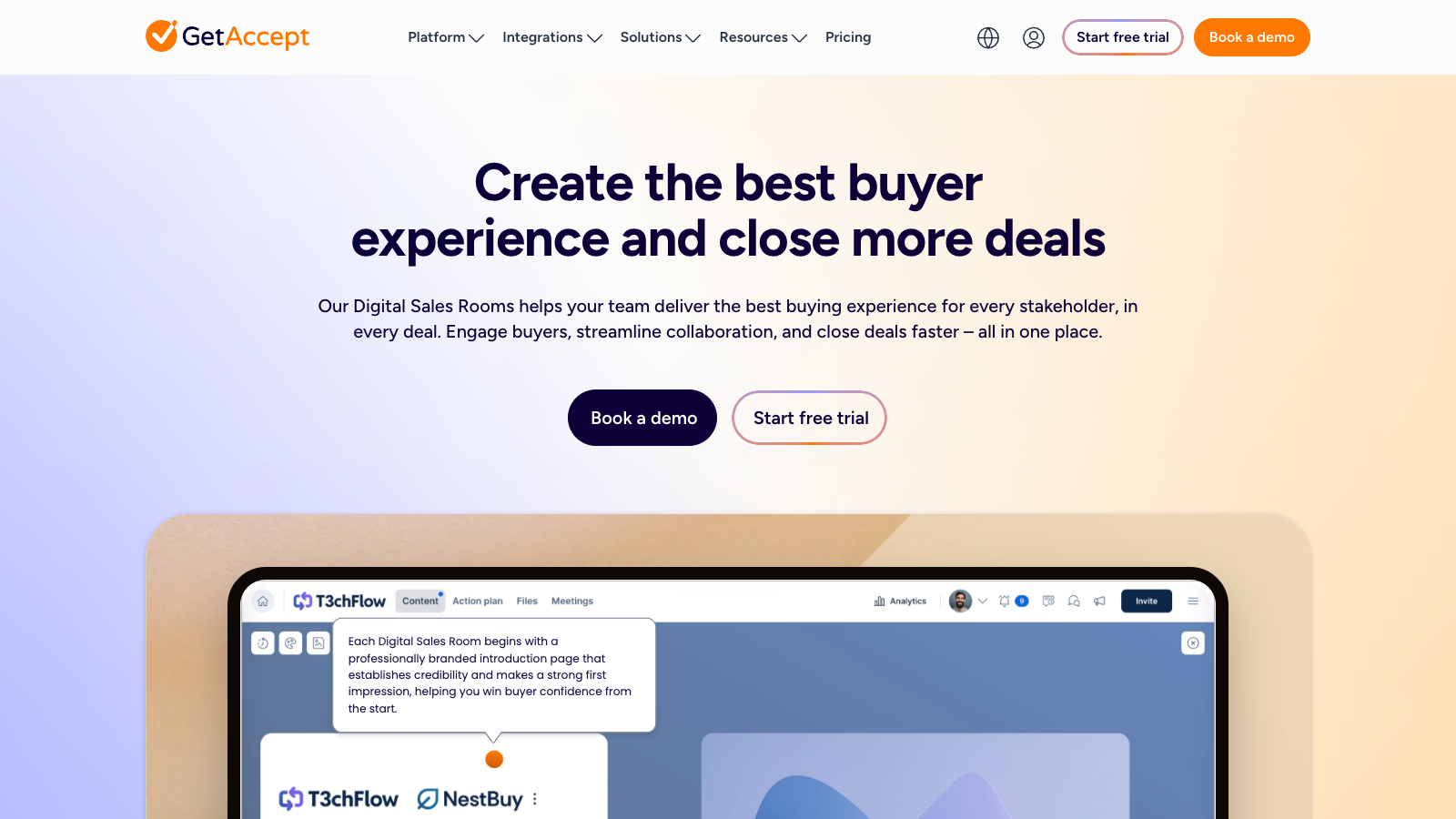
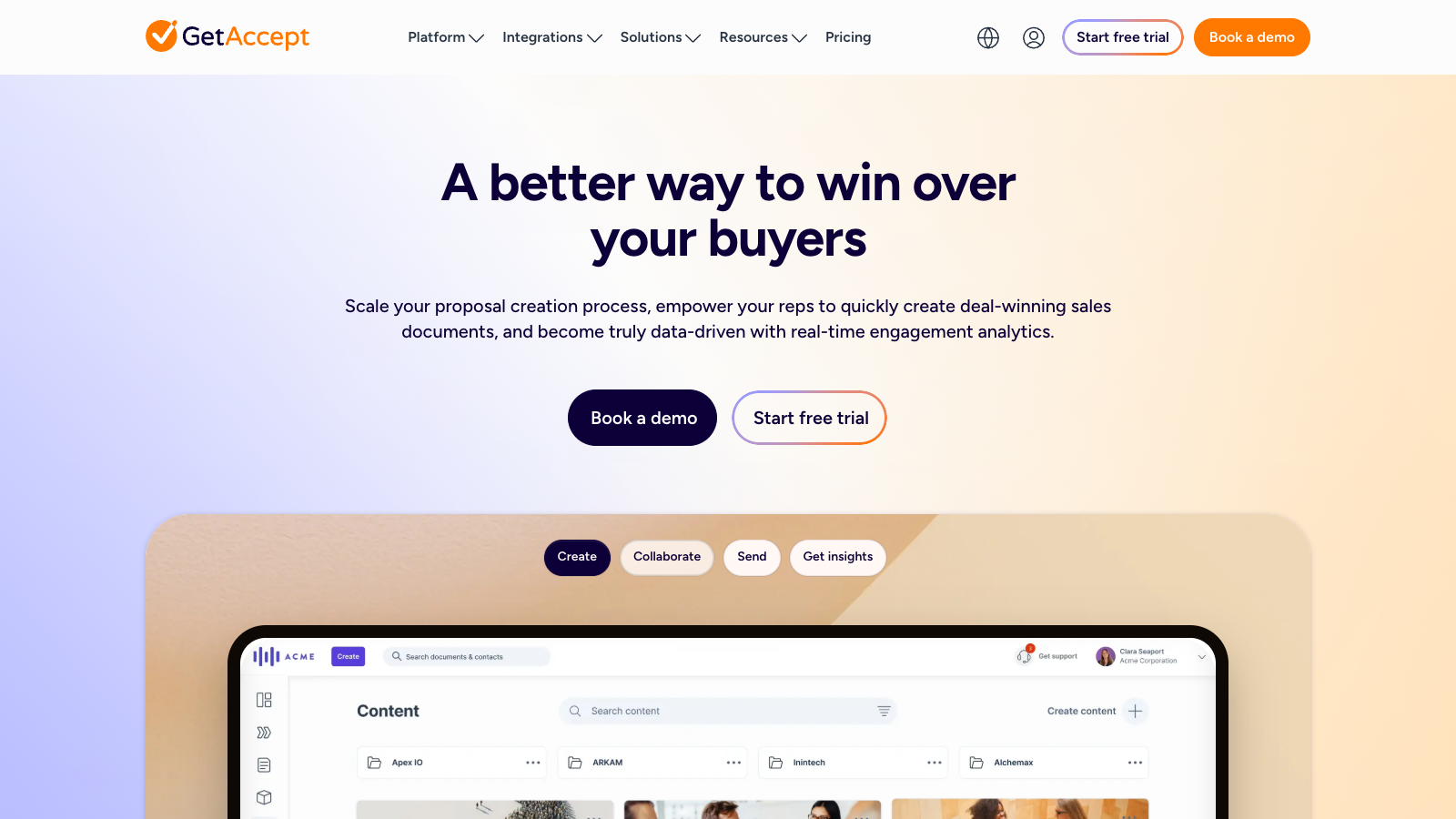
GetAccept is more of a revenue-team option than a lightweight proposal builder. It combines proposals and quotes, e-signatures, digital sales rooms, mutual action plans, tracking, sales content, contract management and CRM integrations in one system. My estimated rating is 3.8 out of 5.
I would add it as a serious sales workflow alternative, not a freelancer pick. It looks useful when several stakeholders are involved in a deal and you need follow-up visibility, but it is probably more complex and expensive than most small teams need.
GetAccept Pros
- Strong sales roomsDeals can live in a shared buyer space with proposals, resources, next steps and stakeholder activity.
- Proposal plus e-signatureIt covers proposal creation, quotes, electronic signatures, contract management and tracking in one workflow.
- Good CRM fitSalesforce, HubSpot, Pipedrive and Microsoft Dynamics are highlighted as key integrations.
- Useful buyer trackingDocument timelines, deal scores, dashboards and engagement signals can help sales teams follow up better.
GetAccept Cons
- Less useful for simple proposalsGetAccept can feel too sales-team focused if you only need lightweight proposal pages or occasional e-signatures.
- More sales-team focusedIt may feel too heavy if you just need simple proposal pages or occasional e-signatures.
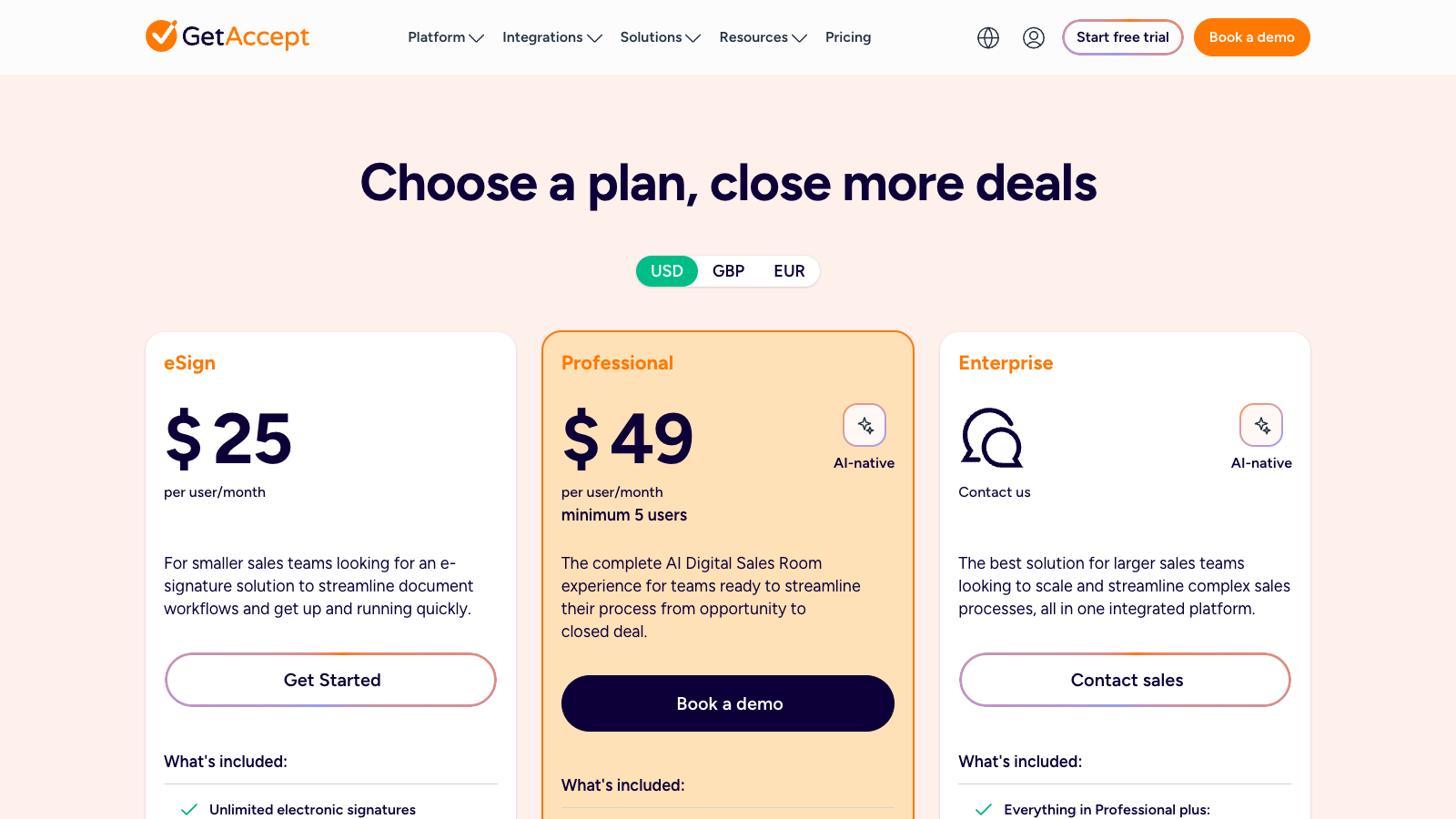
- Professional has a minimumThe proper Digital Sales Room plan starts at $49/user/month with a 5-user minimum.
- Some features are add-onsAI, CPQ, advanced integrations and other controls can depend on plan choice or add-ons.
Pricing
GetAccept has an eSign plan from $25/user/month, but the plan I would list here is Professional at $49/user/month with a 5-user minimum, because that is the full AI Digital Sales Room and proposal experience. Enterprise is custom.
Which proposal tool should you choose?
If you want one practical answer, start with your workflow rather than the longest feature list.
- For a full sales-document workflow: start with PandaDoc. It is the strongest option when proposals, quotes, contracts, signatures and approvals all matter.
- For solo service businesses: start with HoneyBook. It keeps proposals connected to invoices, payments, scheduling and client communication.
- For highly customized client processes: start with Dubsado. It takes more setup, but the workflow and portal pieces are flexible.
- For proposal-focused sales teams: start with Proposify. It is built around better proposals and better follow-up signals.
- For a lean proposal stack: start with Better Proposals. It is affordable, polished and easier to adopt if you do not need a full business operating system.
- For interactive proposal pages: consider Qwilr. It looks relevant if buyer presentation is a big part of your sales process.
- For sales rooms: consider GetAccept. It is more sales-team focused and looks strongest when proposals are part of a bigger multi-stakeholder deal.
How I ranked these proposal tools
I used the same core criteria across the individual reviews: proposal creation, template quality, e-signatures, quoting, contracts, payments, client portal depth, CRM/contact handling, automations, tracking, branding, onboarding, ease of use, support, value for money and integrations.
I also checked the pricing pages and plan limits because the cheapest plan is not always the plan I would actually recommend. For example, send limits, custom domains, CRM integrations, automations, approvals and advanced team controls can change the real value quickly.
This ranking is intentionally practical. A tool can have a slightly lower rating and still be the best choice for a specific user. HoneyBook and Dubsado are not the deepest proposal editors, but they can be better for service businesses that need a full client workflow. Proposify and Better Proposals are more proposal-focused. PandaDoc wins overall because it covers the broadest proposal and document workflow.
Useful buying questions
- Do you need a proposal tool or a client management tool? If you also need invoices, scheduling and client messages, look at HoneyBook or Dubsado before a pure proposal editor.
- How many proposals do you send each month? Send limits matter. A cheap plan can become restrictive if every serious lead gets a proposal.
- Do clients need to choose options? If yes, prioritize strong pricing tables, optional items and quote blocks.
- Will a team work on proposals? If yes, check approvals, roles, reusable content, version control and integrations.
- What happens after the proposal is signed? If the next step is invoicing, payment plans or onboarding, do not judge the tool only by the proposal editor.
Parting thoughts
After testing these tools, I would not choose based on the prettiest templates alone. Start with the way you sell: PandaDoc is the safest all-rounder if proposals, quotes, contracts and approvals need to live together, while HoneyBook makes more sense if proposals are just one step in a broader client workflow.
If you like building your own process, Dubsado is the one I would compare closely, especially for portals and automations. If your team mainly wants to improve proposal creation and tracking, Proposify feels more focused.
For a simpler and lower-cost setup, Better Proposals is still worth a look. It will not replace a full client management system, but it can be enough if you mainly want polished proposals, signatures, payments and basic follow-up tracking.
I would keep Qwilr and GetAccept as extra shortlist tools for now. Qwilr looks interesting for interactive proposal pages, while GetAccept looks more useful for sales rooms and stakeholder-heavy deals.
FAQ
For this group, I would start with PandaDoc as the best overall proposal software because it combines proposals, quotes, contracts, e-signatures, payments, approvals and tracking in one broader platform.
HoneyBook is my first pick for many freelancers because it covers more of the client workflow. Better Proposals is a better fit if you only want polished online proposals at a lower starting price.
It depends on the agency. I would compare PandaDoc for broader document workflows, Proposify for dedicated proposal creation and analytics, and Dubsado if client portals and automations matter more.
Yes, if proposals are a regular part of how you sell. The value usually comes from reusable sections, clearer pricing, faster signing, payment collection and better follow-up signals. If you only send one or two proposals per year, a simpler document tool may be enough.
Qwilr and GetAccept cover useful parts of the proposal software market. Qwilr is stronger for interactive proposal pages, while GetAccept is more focused on sales rooms and stakeholder-heavy deals. I added estimated ratings so they can be compared without overloading the table.
You need proposal software when proposals are part of your regular sales process, not a one-off admin task. If you send proposals every week, reuse similar service packages, need signatures, collect payments or want to see when a client opens a document, a dedicated tool saves real time.
It also makes sense when more than one person touches the sales process. Templates, approval steps, pricing tables and tracking reduce mistakes, especially when proposals include several services, optional items, contract terms or follow-up steps that would be messy in a normal document.
You probably do not need proposal software if you send only a few simple proposals per year and already have a document, invoice and e-signature setup that works. In that case, Google Docs, Word, PDF export and a basic signing tool may be enough.
I would also skip it if your work is mostly fixed-price, low-touch or sold through calls, checkout pages or standard invoices. Proposal software adds value when the proposal helps close the deal; if it only repeats details the client already accepted, it can become unnecessary overhead.