



Dubsado is one of the tools I wanted to review carefully because it sits very close to HoneyBook, but it has a different personality. It is not only about sending proposals; it tries to manage the full client journey with CRM, forms, contracts, invoices, payments, workflows and client portals.
For this Dubsado review, I tested and checked it with freelancers, consultants and small service businesses in mind. I focused on the practical questions: how much setup it needs, whether proposals connect smoothly with contracts and invoices, what Premier unlocks, and when a more proposal-focused tool may be a better fit.
I am also using these reviews to build the broader best proposal software comparison, so I looked at Dubsado both on its own and against the rest of the shortlist.
Dubsado Review Summary
Here is the short version: Dubsado is strongest if you want a customizable client workflow system. I like its proposal to contract to invoice flow, client portal, automation options and value on the Premier plan. I like it less as a simple, beautiful proposal editor.
- Best for: freelancers, consultants, creatives and small agencies.
- Not ideal for: people who want the quickest, simplest proposal tool.
- Pricing: free trial available; paid plans start at $27.92/month equivalent on annual billing.
- My rating: 4.1 out of 5 after reviewing the proposal and client workflow.
What I do not love is that Dubsado asks more from you at the start. You can get a lot out of it, but you need to build packages, forms, templates and workflows before it feels smooth. It rewards setup; it does not remove setup.
I would think of it this way: Dubsado is not the prettiest proposal tool in this group, but it can become a very practical operations system if your business runs through repeatable client steps.
The biggest question is whether you want to spend time setting it up. If you do, Dubsado can feel more flexible than HoneyBook. If you do not, HoneyBook will probably feel friendlier and faster.
That is why I would not start by comparing feature lists only. I would map your normal client process first, then ask whether Dubsado makes that process clearer. If it does, the setup time is easier to justify.
What is Dubsado?
Dubsado is a business management and clientflow platform for service providers. It includes client records, projects, lead capture forms, proposals, contracts, invoices, payment plans, scheduling, workflows, email templates and client portals.
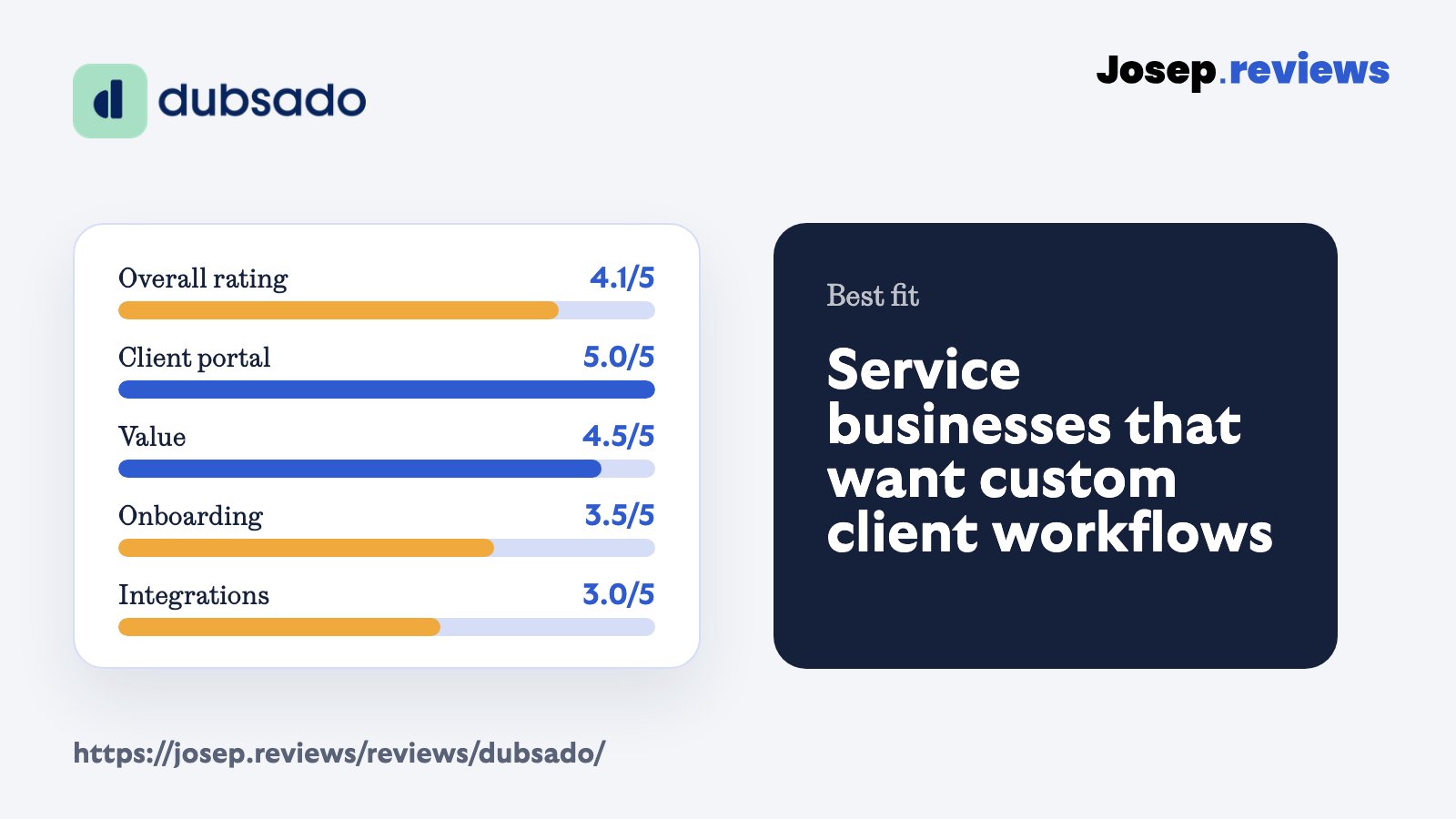
Compared with PandaDoc, Dubsado is less of a sales-document platform and more of a small business workflow tool. Compared with HoneyBook, it feels more customizable and workflow-heavy, but also less polished and a bit harder to set up well.
That makes the fit quite specific. If you want a quick proposal and signature tool, Dubsado may feel like too much. If you want to map the whole client journey, from lead to proposal, contract, invoice, payment and portal, it starts to make much more sense.
This is why I would not compare Dubsado only against proposal tools. It belongs in the same conversation as HoneyBook, because both are trying to run the client journey around the proposal. Dubsado simply gives you more room to customize that journey, which can be good or annoying depending on how much control you want.
One small thing I liked is that Dubsado does not pretend the proposal is separate from the rest of the business. For many freelancers, the painful part is not writing the proposal; it is keeping the next steps organized once someone says yes.
See Dubsado in action
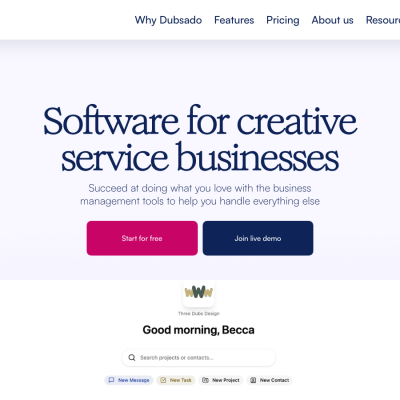
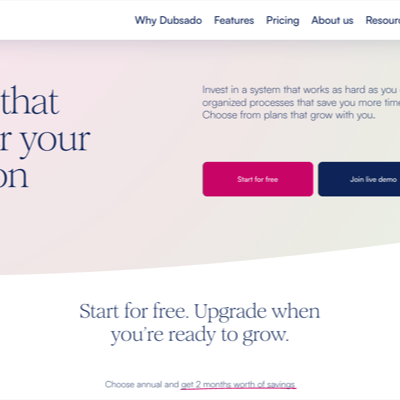
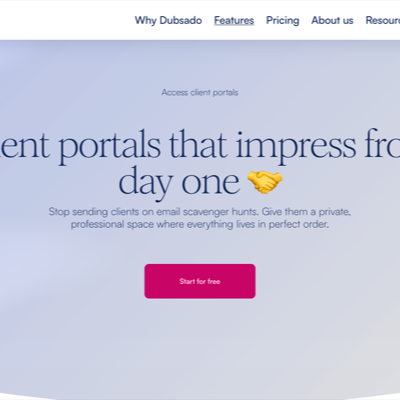
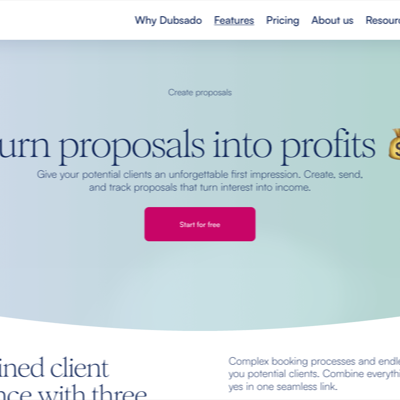
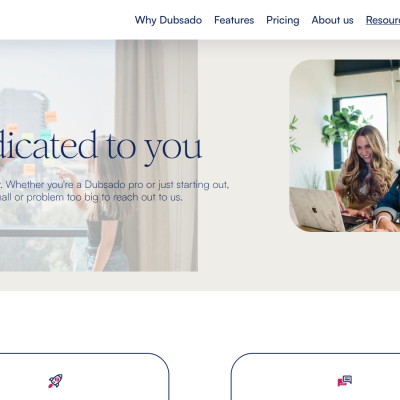
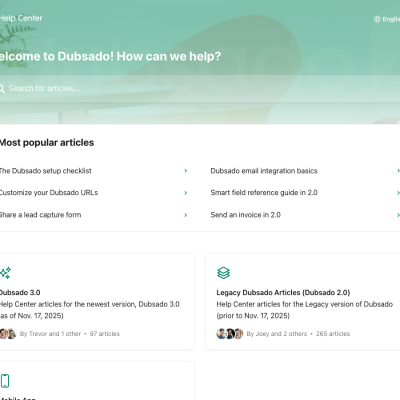
These screenshots show the Dubsado pages I checked during the review: the homepage, pricing, features, proposals, contact and help center. I also tried refreshing backend access, but the saved login no longer opened the app, so I kept the screenshots to public pages already captured for the project.
Dubsado pricing
Dubsado pricing is simple, but the annual prices are shown as yearly totals. These are the monthly equivalents when choosing annual billing:
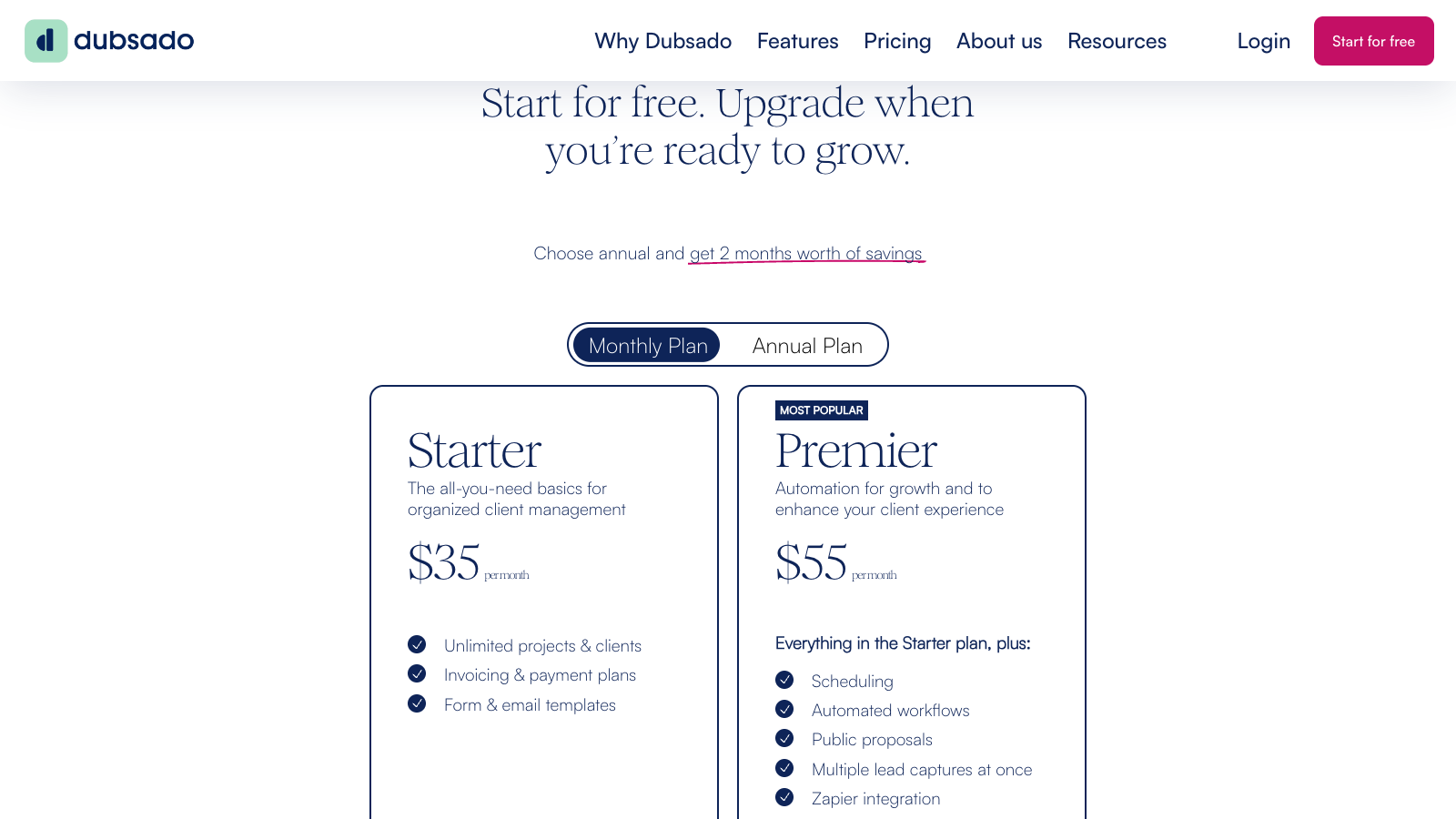
- Starter: $27.92/month equivalent; contracts, invoices, forms, portals and support.
- Premier: $43.75/month equivalent; workflows, scheduler, public proposals, Zapier and bookkeeping.
The exact annual prices are $335/year for Starter and $525/year for Premier. There is also a 21-day free trial with access to Premier features, and Dubsado says no credit card is required.
For this review, Premier feels like the real Dubsado plan. Starter includes useful basics, but workflows, scheduling, public proposals, Zapier and bookkeeping are the reasons many people would choose Dubsado in the first place.
I would be cautious with Starter if you are already busy and trying to reduce admin. It includes useful basics, but without workflows and scheduling you miss the part of Dubsado that can actually save the most time. For many established service businesses, Premier is the fairer plan to evaluate.
Dubsado is worth checking out if you want proposals, contracts, invoices, workflows and client portals in one system.
Dubsado pros and cons
Pros
All in one client system
Dubsado can replace a big chunk of your stack with CRM, proposals, contracts, invoices, payments, forms, portals and workflows in one place.
Excellent client portal
Clients can get one login for proposals, contracts, invoices, forms, appointments and messages. It feels more complete than most proposal-only client views.
Strong workflow automation
Workflows can handle emails, forms, contracts, invoices, schedulers, tasks, portal steps and project status changes. This can save serious admin time once configured.
Good branding control
You can add your logo, colors, fonts, custom domain and even CSS. It can look very on-brand, although it takes more design work than some competitors.
Helpful support
Dubsado has strong help docs, email support and live chat. In the research, support looked like one of its stronger points compared with many small-business tools.
Cons
Setup takes time
Dubsado is powerful, but it is not the fastest tool to configure. Expect to spend time building packages, forms, templates and workflows before it feels smooth.
Average proposal editor
The proposal builder works, but it does not feel as polished or flexible as dedicated proposal platforms like PandaDoc, Proposify or Better Proposals.
Limited proposal analytics
Dubsado is useful for business and project reporting, but it lacks stronger proposal analytics like opens, time on page or deeper engagement tracking.
Premier is the real plan
Starter is useful, but the workflow-heavy value is on Premier. Scheduling, automated workflows, public proposals, Zapier and bookkeeping are not Starter features.
My take on Dubsado
After testing and reviewing Dubsado, my take is that it is one of the stronger workflow tools for service businesses. It can handle much more than proposals: contacts, projects, contracts, invoices, payment plans, workflows and a client portal all live in the same system.
That is what I like, but it is also where I would be careful. Dubsado is not the tool I would choose if I only wanted the easiest proposal editor. It needs setup, and the best version of Dubsado depends on building your own templates and workflows properly.
I would mainly recommend Dubsado to freelancers, consultants, creatives and small agencies that have repeatable client steps and want more control than HoneyBook gives them.
Visit DubsadoDubsado ratings
How I tested Dubsado
I tested Dubsado by working through the workflow a freelancer or small business would normally care about: proposal setup, packages, contracts, invoices, client portals, workflows and pricing limits.
I also checked Dubsado’s pricing page, proposal resources, support documentation, workflow help, invoicing materials and client portal information. That matters because Dubsado’s value depends less on one feature and more on how the pieces connect.
For the scoring, I focused on practical proposal to payment work: proposal builder, quoting, e-signatures, contracts, invoicing, client portal, CRM, automations, integrations, tracking, support and value for money.
I also tried to refresh backend access for screenshots, but Dubsado returned a login error. Because of that, I used the already captured public screenshots for the article and kept the analysis grounded in the review sheet and official docs.
The most important part of testing Dubsado is not clicking one proposal button. It is checking whether the full chain makes sense: lead comes in, proposal goes out, client chooses a package, contract is signed, invoice is created, payment is collected and the portal keeps everything organized. That is where Dubsado either wins you over or starts to feel heavy.
I checked it with a fairly practical lens: would I trust this setup if I had several active clients, not just one clean demo project? That is where the portal, reusable templates, payment plans and workflow logic become more important than a pretty proposal page.
Key Dubsado features
Proposals, packages and client selection
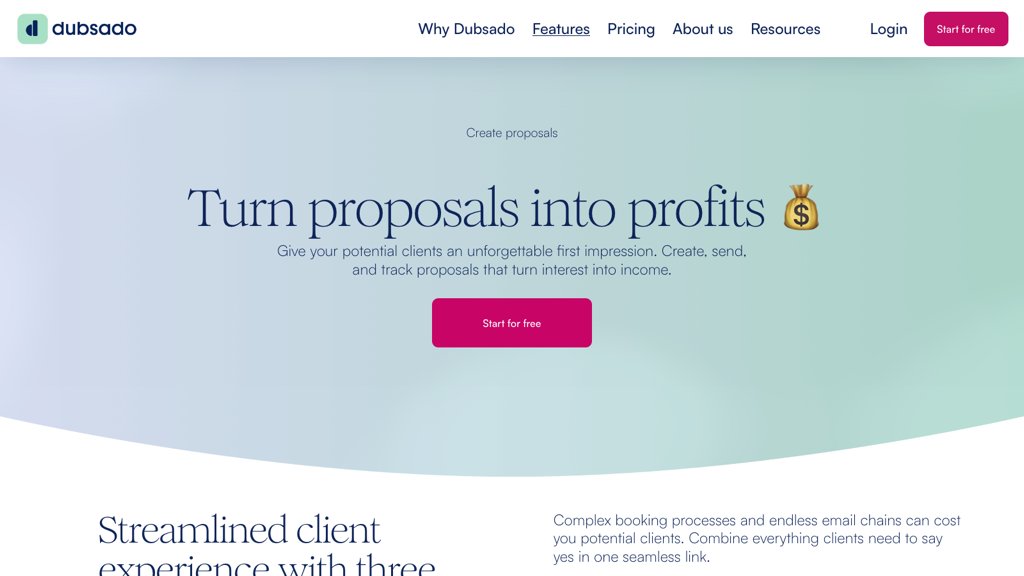
Dubsado proposals are built around service packages. That makes sense for freelancers and agencies that sell repeatable offers. You can create packages, let clients choose what they want and connect the accepted proposal to a contract and invoice.
The proposal builder is useful, but I would not call it the most polished in this group. If proposal design and analytics are the main priority, PandaDoc or Proposify feels more focused.
Contracts, invoices and payment plans
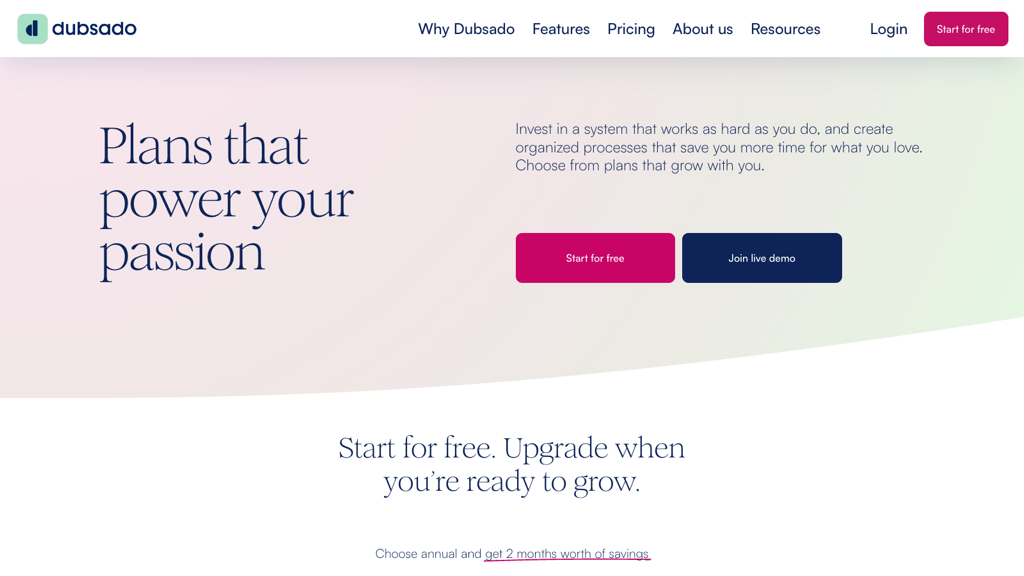
Dubsado is strong once a proposal turns into a booking. You can connect contracts and invoices, use electronic signatures, create deposits and payment plans, and let clients pay through connected processors.
This is where Dubsado feels more useful than a proposal-only tool for service businesses. The proposal is not the end of the workflow; it becomes the start of the signed agreement, payment plan and project process.
Client portal and CRM workflow
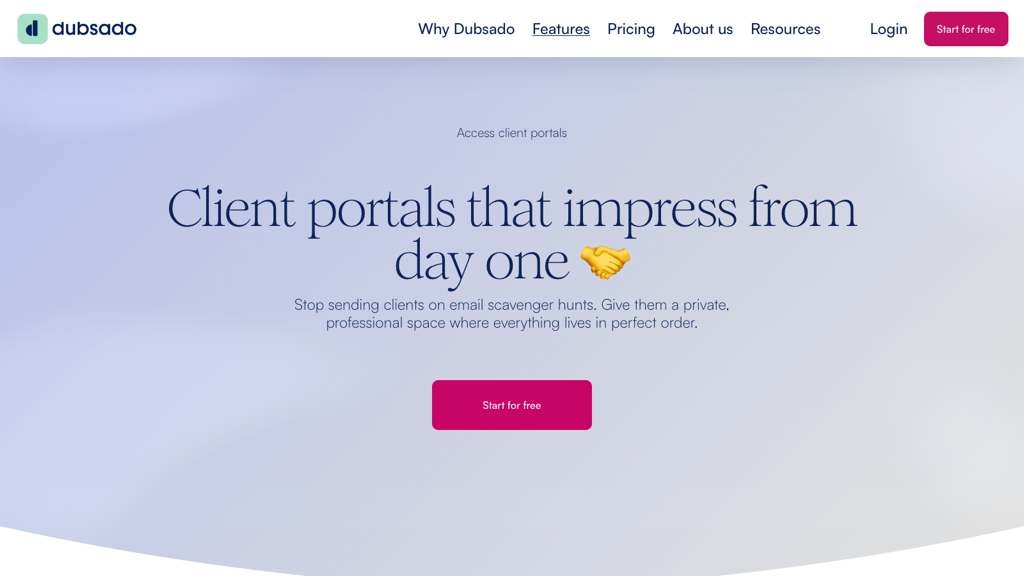
The client portal is one of the reasons I would consider Dubsado over a dedicated proposal platform. Clients can return to one branded place for forms, contracts, invoices, appointments, emails and project details.
Dubsado also works as a light CRM for service businesses. You get contacts, projects, custom fields, notes and client history, which is much more useful than simply storing proposal recipients.
Workflows, support and setup
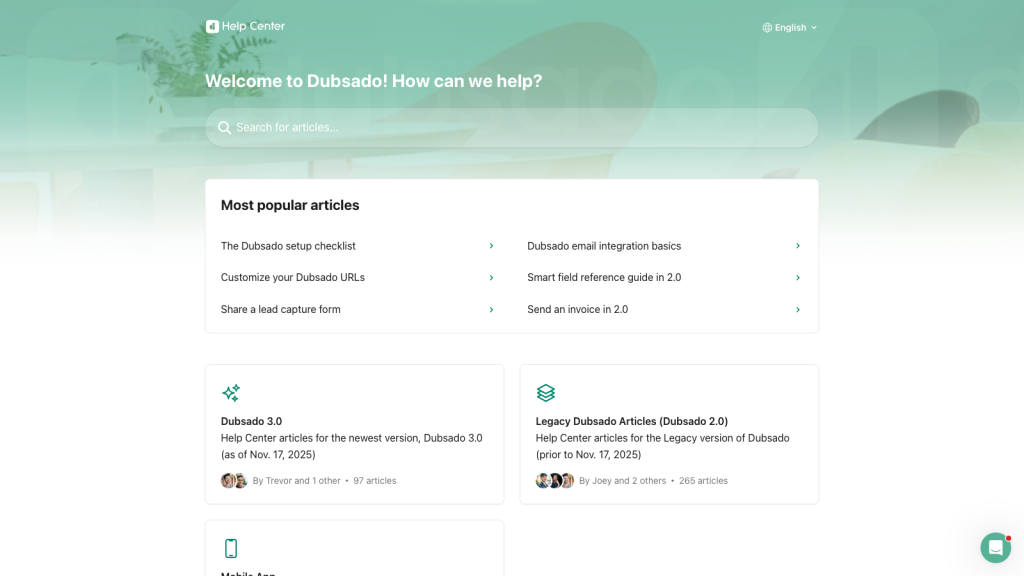
Dubsado workflows can automate follow ups, forms, contracts, invoices, scheduling and project changes. This is powerful, but it is also where setup can become complicated. You need to think through the client journey before the automation feels natural.
The support material helps. Dubsado has detailed help docs and support resources, which is important because this is not a tool I would expect everyone to configure perfectly in one afternoon.
In practice, I would plan Dubsado setup like a small project. Start with one real service package, one contract, one invoice and one workflow. Once that works, build the next version. Trying to automate everything on day one is where this type of tool can become messy.
Final verdict
My final verdict is that Dubsado is a strong choice if your service business needs structure and automation. After testing and reviewing it, I would place it closer to a client operations platform than a pure proposal tool.
I would recommend Dubsado most to freelancers, consultants, creatives and small agencies that want proposals, contracts, invoices, payments, workflows and a client portal in one connected setup. It feels especially useful when you already have a repeatable process and want to stop rebuilding the same admin steps manually.
I would not choose Dubsado if I only wanted a quick, polished proposal editor. It takes more setup than HoneyBook and feels less focused than PandaDoc or Proposify for proposal work. But if you are willing to configure it properly, Dubsado can become a very practical hub for running client projects.
My advice would be to test it with your real workflow: one lead form, one proposal, one contract, one invoice and one follow-up sequence. If that feels natural, Dubsado will probably save you time. If it feels heavy, that feeling may not disappear later.
I would also avoid choosing Dubsado only because it has more features. More settings are useful only if they match your process. For a simple solo business, HoneyBook may feel calmer. For a service business with more moving parts, Dubsado is the one I would test seriously.
Dubsado alternatives



HoneyBook is the closest alternative if you want a similar clientflow tool with a more polished and guided feel. I would choose it if ease of use matters more than deep customization.
PandaDoc is better if your main focus is proposals, quote to close documents, analytics and CRM integrations. It is less of a client operations tool, but stronger for sales documents.
Proposify makes sense if proposals are the main job. It feels more dedicated to proposal sections, team review, comments and proposal analytics than Dubsado.
Frequently asked questions
Yes, if you want a full client workflow system. Dubsado is worth it for freelancers who need proposals, contracts, invoices, payment plans, portals and workflows. If you only need simple proposals, it may feel too heavy.
Dubsado Starter is $335/year, which is $27.92/month equivalent on annual billing. Premier is $525/year, or $43.75/month equivalent. Monthly billing is higher.
No. Dubsado has a 21-day free trial, but not an ongoing free plan. The trial includes Premier features, which is useful because Premier is where the workflows and scheduler live.
Yes. Dubsado can send invoices, set deposits and payment plans, and collect payments through connected processors such as Dubsado Payments, Square or PayPal. You may still want accounting software for deeper bookkeeping.
Dubsado is better if you want more customization and workflow control. HoneyBook is better if you want something more polished and easier to set up. I would compare both before choosing.
HoneyBook is the closest alternative for clientflow. PandaDoc and Proposify are better if your main need is proposal software. The best choice depends on whether you value workflow depth, ease or proposal focus.
Comment